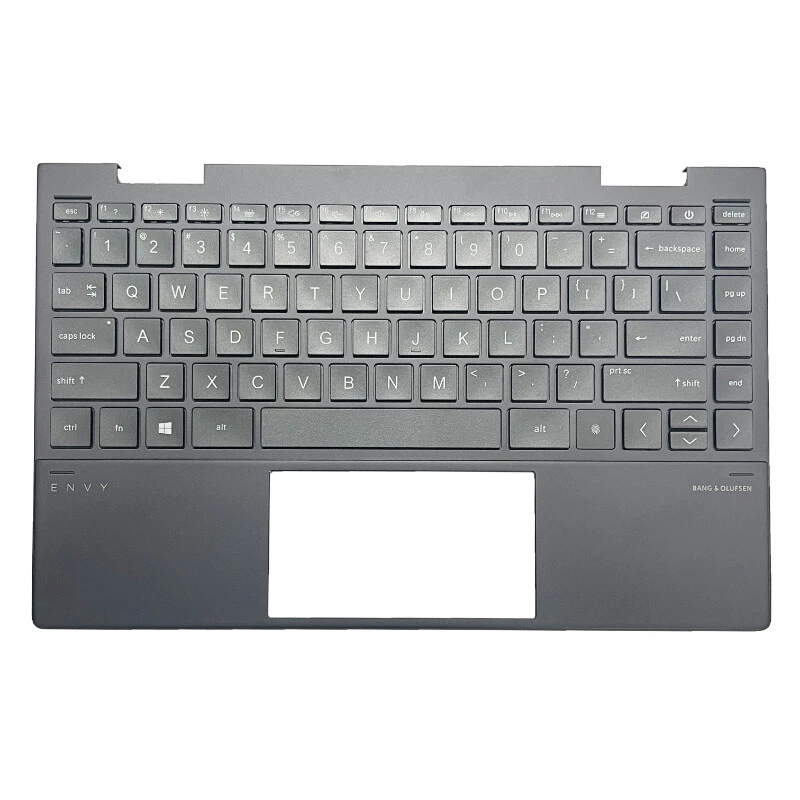
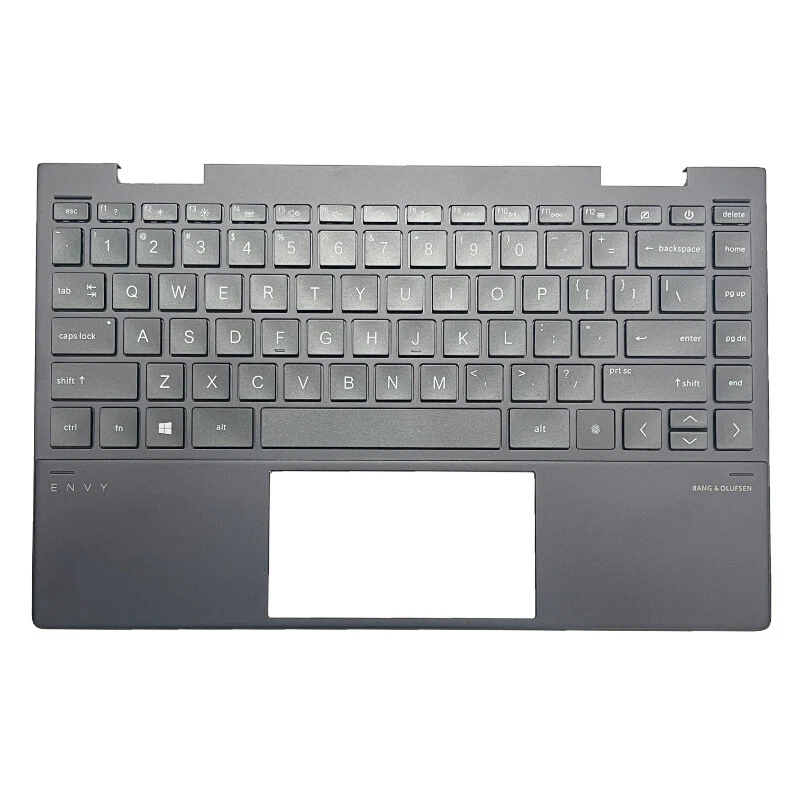
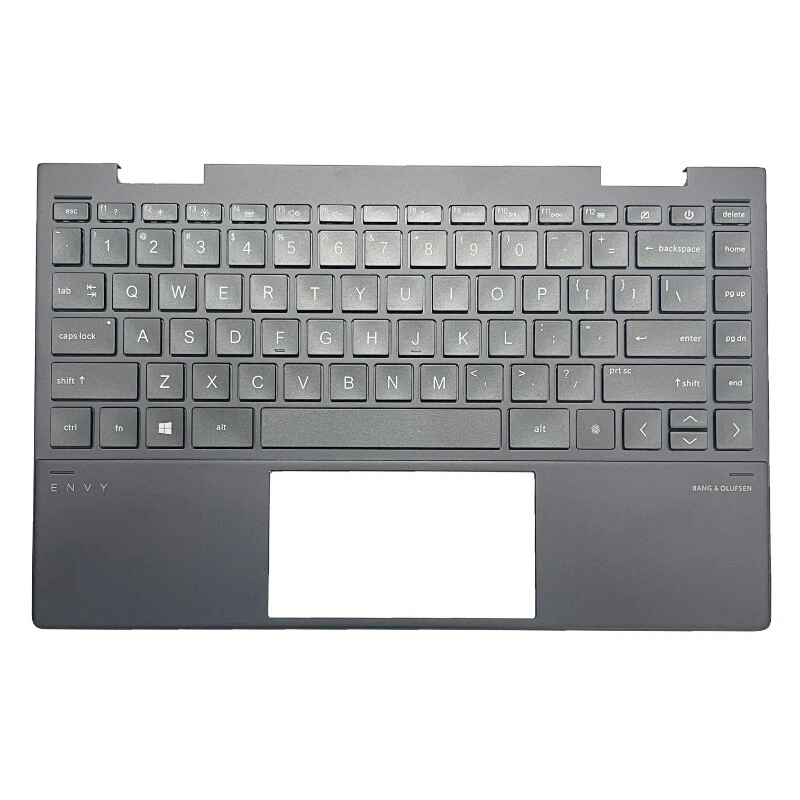
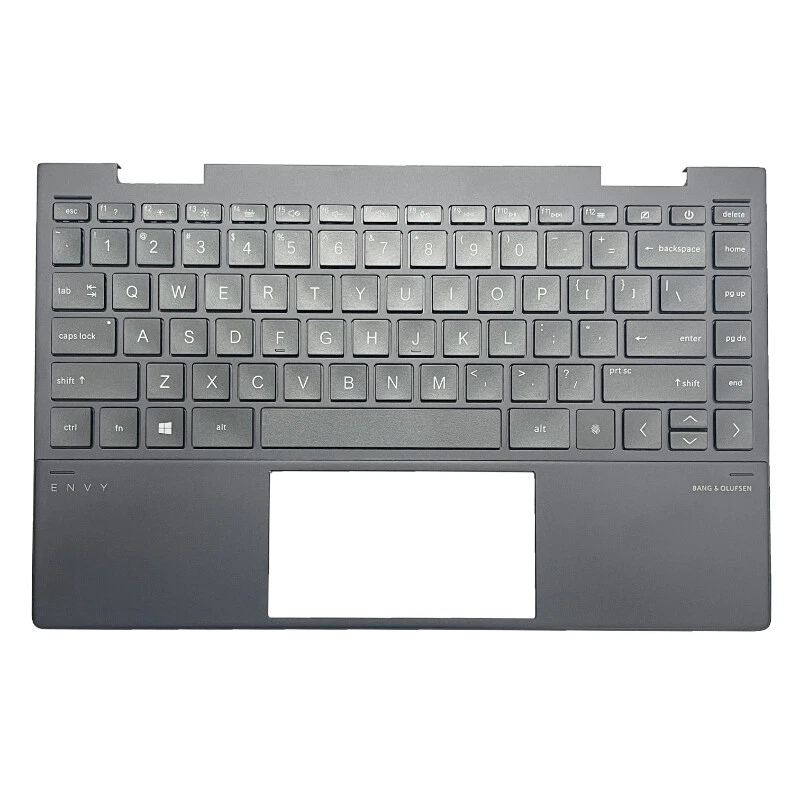
MacBook Pro 13" (A2159 · 2019 · Intel) Keyboard / Top Case Replacement

Stuck keys, liquid damage, keyboard not responding, or a dented palm rest on your MacBook Pro 13" (A2159 · 2019 · Intel)? In this design, the keyboard is part of the full top case assembly. A proper repair means replacing the entire keyboard panel so your typing, trackpad area and palm rest feel like new again.

Lifetime Warranty
MacBook Pro 13 A2159 2019 Intel keyboard top case replacement

Keyboard / Top Case Options (Silver & Space Gray)

For the MacBook Pro 13" (A2159 · 2019 · Intel), the keyboard is not replaced as a loose key set. Apple’s design combines the keyboard, palm rest, speaker grilles and battery cells into a single top case assembly. Below you can choose between panels that already include a new Premium Platinium battery or panels where we carefully move your existing battery over to the new keyboard assembly.

MacBook Pro 13 A2159 2019 Intel keyboard top case with Premium Platinium battery Space Gray

Keyboard Panel with Premium Platinium Battery – Space Gray

Full top case assembly · Space Gray finish

  • Includes full top case with keyboard, palm rest and speaker grille area
  • Factory-bonded new Premium Platinium battery already installed in the assembly
  • No need to peel, pry or reuse your old battery cells
  • Best option for long-term safety, stability and battery performance
Repair time: ~2–3 hours (depending on workload)
Color: Space Gray
Price: Call for pricing
The entire keyboard / top case is replaced as one piece, including the battery.
MacBook Pro 13 A2159 2019 Intel keyboard top case with Premium Platinium battery Silver

Keyboard Panel with Premium Platinium Battery – Silver

Full top case assembly · Silver finish

  • Includes full top case with keyboard, palm rest and speaker grille area
  • New Premium Platinium battery pre-installed from factory on the panel
  • No stress on old cells, no re-gluing of used batteries
  • Provides the most stable, “like-new” experience for your MacBook
Repair time: ~2–3 hours (depending on workload)
Color: Silver
Price: Call for pricing
Keyboard is not repaired separately; the full panel including the battery is renewed.
MacBook Pro 13 A2159 2019 Intel keyboard top case without battery Space Gray

Keyboard Panel without Battery – Space Gray

Full top case assembly · Your existing battery is reused

  • Includes full top case with keyboard, palm rest and speaker grille area
  • Your current battery is carefully removed from the old panel
  • Old cells are reinstalled into the new Space Gray assembly with fresh adhesive
  • Helps keep cost down while still refreshing the keyboard and top case
Repair time: ~2–3 hours (may be longer due to battery transfer)
Color: Space Gray
Price: Call for pricing
Even with professional care, transferring used cells can add mechanical stress to the battery compared to a brand new factory-bonded pack.
MacBook Pro 13 A2159 2019 Intel keyboard top case without battery Silver

Keyboard Panel without Battery – Silver

Full top case assembly · Your existing battery is reused

  • Full Silver top case with integrated keyboard and palm rest
  • Your factory battery is removed and mounted into the new panel
  • Good option if your current battery health is still strong
  • Top case, keyboard and cosmetic issues are all fixed in one repair
Repair time: ~2–3 hours (may be longer due to battery transfer)
Color: Silver
Price: Call for pricing
As with all options, the keyboard is replaced together with the complete top case assembly.

Why We Strongly Recommend the Keyboard Panel with a New Premium Platinium Battery

Protecting both your keyboard and battery long term

In this MacBook Pro 13" (A2159 · 2019 · Intel) design, the battery cells are mounted inside the top case using very strong double-sided adhesive tapes. To reuse your existing battery, each cell must be carefully pried from the old panel, all adhesive must be broken, and then the same battery has to be fixed into the new keyboard assembly with fresh tape.

Even if this is done by a professional, the battery cells are almost always flexed or slightly bent during removal. Modern lithium-ion batteries are built from extremely thin internal layers containing graphite and other carbon-based active materials. Any bending or twisting – even if you cannot see it from the outside – can damage these internal layers, increase internal resistance and permanently reduce the battery’s performance.

If a battery is stressed or creased in this way, the internal carbon structure gradually loses its factory properties. In real-world use this means shorter runtime, faster wear, and in some cases a battery that becomes unstable or completely fails much earlier than expected.

For this reason, the most professional and safe approach when replacing the full top case keyboard panel is to install a new Premium Platinium battery that is factory-bonded to the new assembly. This minimizes mechanical stress on the cells, preserves the designed performance, and offers the most reliable long-term result for your MacBook Pro 13" (A2159 · 2019 · Intel), whether it is Silver or Space Gray.
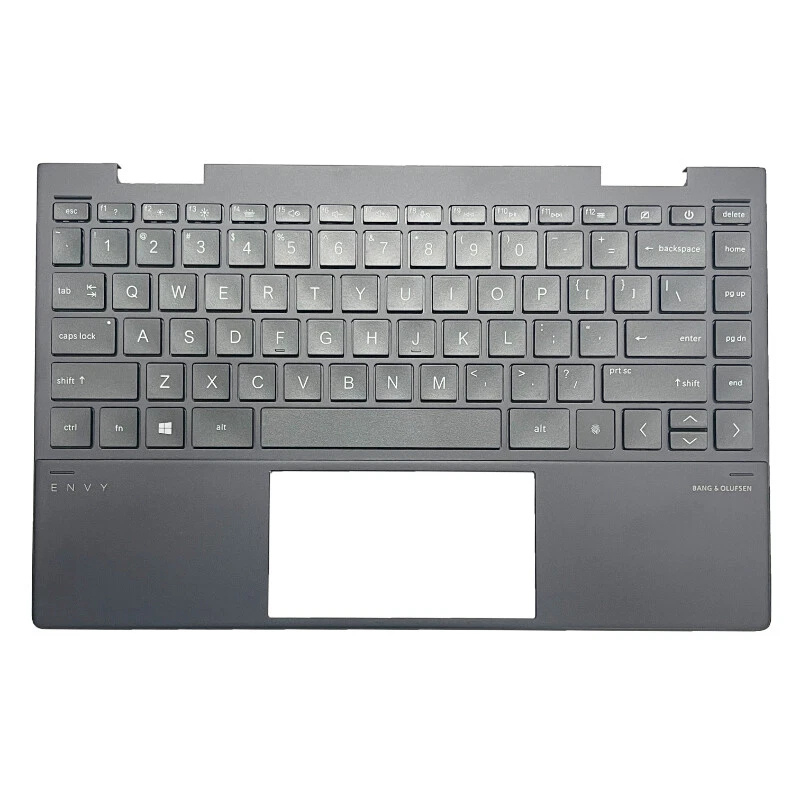
Common Keyboard / Top Case Issues on MacBook Pro 13" (A2159 · 2019 · Intel)

  • Keys sticking, double-typing or not registering at all
  • Liquid spill on the keyboard or palm rest area
  • Backlight not working or uneven under the keys
  • Visible dents, bends or cracks on the top case
  • Trackpad clicking inconsistently due to frame warping

Why Choose One Fix Tech for Your MacBook Keyboard Repair?

  • We replace the full top case assembly, not just loose keycaps
  • Options with new Premium Platinium battery for maximum safety and runtime
  • Professional disassembly and reassembly following best practices
  • Lifetime warranty on the parts we install

Ready to Fix Your MacBook Pro 13" Keyboard?

Walk in anytime or book an appointment online for your Silver or Space Gray MacBook.

Book Keyboard Repair