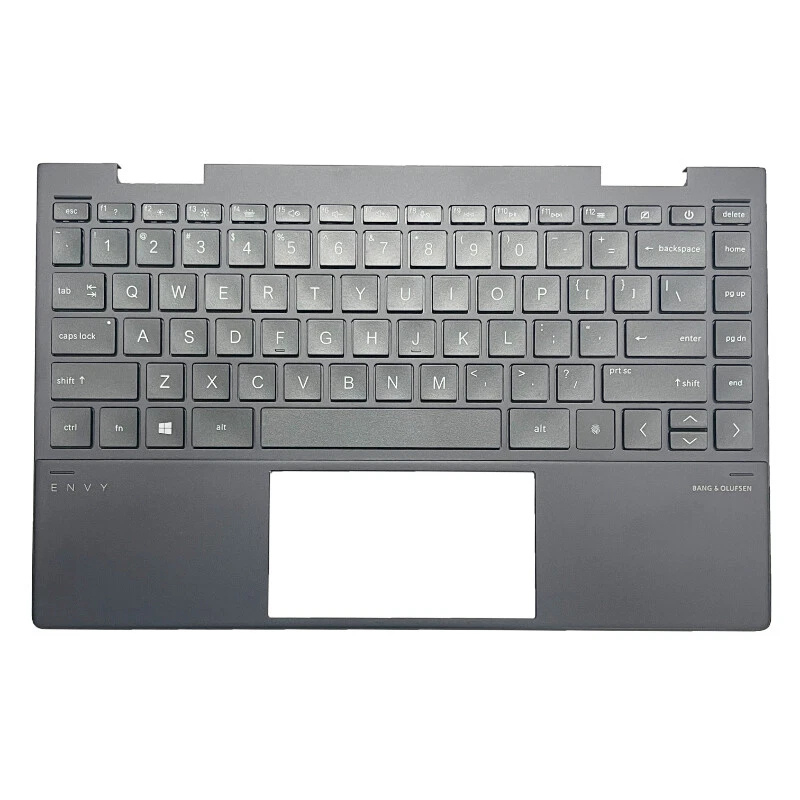
MacBook Pro 15" (A1260 · 2008 · Intel) Keyboard / Top Case Replacement

Stuck keys, liquid damage, keyboard not responding, or a dented palm rest on your classic MacBook Pro 15" (A1260 · 2008 · Intel)? In this pre-Unibody design, the keyboard is fixed into the full top case assembly. A proper repair means replacing the entire keyboard panel so your typing, trackpad area and palm rest feel like new again.

Lifetime Warranty
MacBook Pro 15 A1260 2008 Intel keyboard top case replacement

Keyboard / Top Case Options (Silver)

For the MacBook Pro 15" (A1260 · 2008 · Intel), the keyboard is not replaced as a loose key set. The upper case combines the keyboard, palm rest and speaker grille area, while the main battery can be serviced during the same visit. Below you can see options that include a new Premium Platinium battery together with the keyboard panel, and options where we reuse your existing battery.

MacBook Pro 15 A1260 2008 Intel keyboard top case with Premium Platinium battery Silver option 1

Keyboard Panel with Premium Platinium Battery – Silver (Option 1)

Full top case + new Premium Platinium battery replacement

  • Includes new Silver top case with keyboard and palm rest
  • New Premium Platinium main battery installed during the same service
  • Older, worn or swollen battery is fully removed and recycled
  • Best choice for long-term stability and runtime on an older Mac
Repair time: ~2–3 hours (depending on workload)
Color: Silver
Price: Call for pricing
The full top case is replaced, and your MacBook also receives a fresh Premium Platinium battery pack.
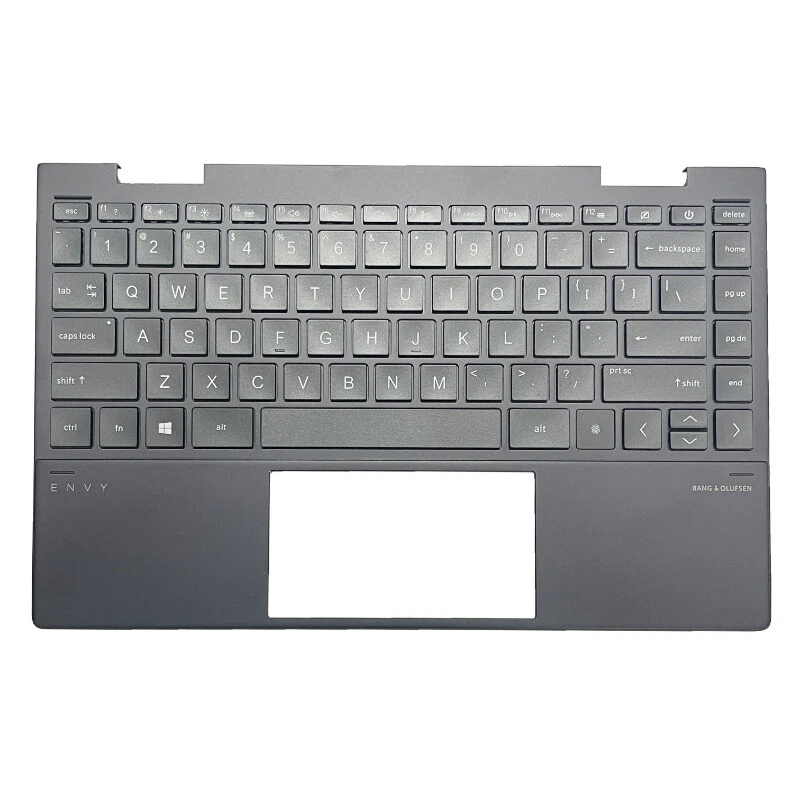
MacBook Pro 15 A1260 2008 Intel keyboard top case with Premium Platinium battery Silver option 2

Keyboard Panel with Premium Platinium Battery – Silver (Option 2)

Top case refresh with full power system reset

  • Silver top case with new keyboard and clean palm rest
  • New Premium Platinium battery installed and calibrated after replacement
  • Great option if battery health is already low or runtime is poor
  • Gives the most “like-new” feel for this 2008 model
Repair time: ~2–3 hours (depending on workload)
Color: Silver
Price: Call for pricing
Keyboard is replaced as a complete assembly, and your power system is renewed at the same time.
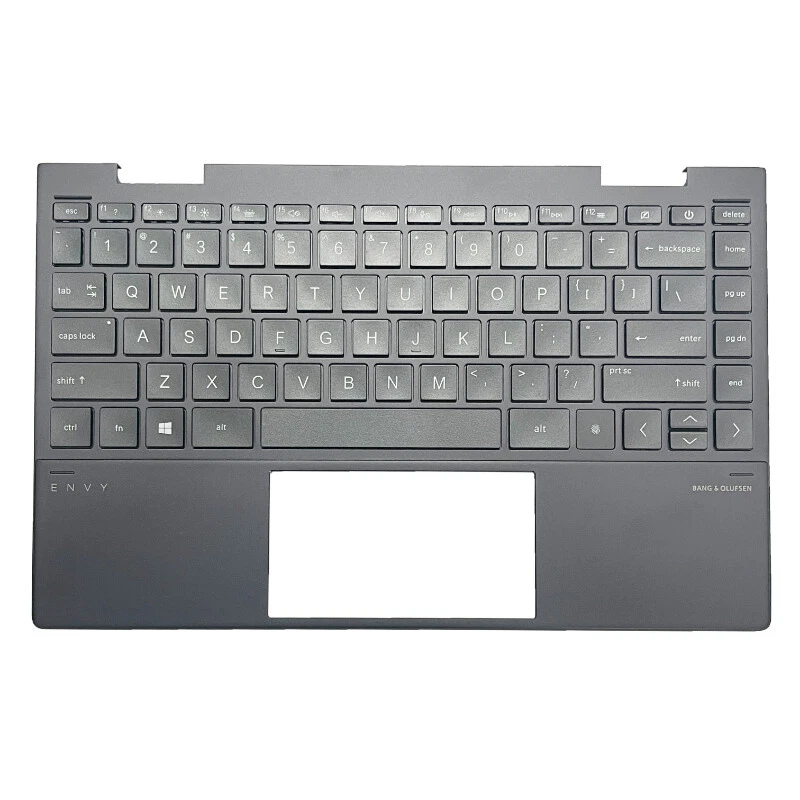
MacBook Pro 15 A1260 2008 Intel keyboard top case without battery Silver option 1

Keyboard Panel without Battery – Silver (Reuse Your Battery)

Full top case assembly · existing battery kept

  • New Silver top case with keyboard and palm rest
  • Your current battery is kept if it still performs well
  • We visually inspect the old battery for swelling or damage
  • Good budget choice if you recently replaced the battery
Repair time: ~2–3 hours
Color: Silver
Price: Call for pricing
Only the keyboard / top case is renewed; the main battery remains the same if it passes inspection.
MacBook Pro 15 A1260 2008 Intel keyboard top case without battery Silver option 2

Keyboard Panel without Battery – Silver (Enhanced Inspection)

Top case replacement + detailed battery health check

  • New Silver top case with integrated keyboard
  • Battery cycle count and health are checked in macOS
  • We advise you if a future battery replacement is recommended
  • Ideal if you want to spread repair costs over time
Repair time: ~2–3 hours
Color: Silver
Price: Call for pricing
Keyboard is replaced as a complete top case; your existing battery is left in place unless unsafe.

Why We Strongly Recommend Adding a New Premium Platinium Battery with the Keyboard Panel

Protecting an older MacBook Pro and keeping it reliable

In this MacBook Pro 15" (A1260 · 2008 · Intel) generation, the main battery is installed in the lower case and secured with internal fasteners. While it is not glued into a top case panel like newer designs, it is still a lithium-ion pack built from very thin internal layers that age over time.

On a 2008 system, the factory or older replacement battery has usually seen many charge cycles. As lithium-ion cells age, internal resistance increases and the chemical structure of the graphite and other carbon-based active materials gradually changes. This leads to shorter runtime, faster percentage drops and, in some cases, cells that can swell and press against the trackpad area from below.

If the cells start to swell, they can push on the top case, keyboard and trackpad, causing mis-clicks, warped palm rests, and even damage to internal cables. A weak pack can also shut the machine off suddenly when you still see charge remaining on the screen, which is risky if you are working on important files.

For these reasons, the most professional and safe approach when you are already investing in a full top case keyboard replacement is to also install a fresh Premium Platinium battery at the same time. This keeps mechanical stress away from the new top case, restores designed runtime as much as possible for this older model, and gives the most reliable long-term result for your MacBook Pro 15" (A1260 · 2008 · Intel).
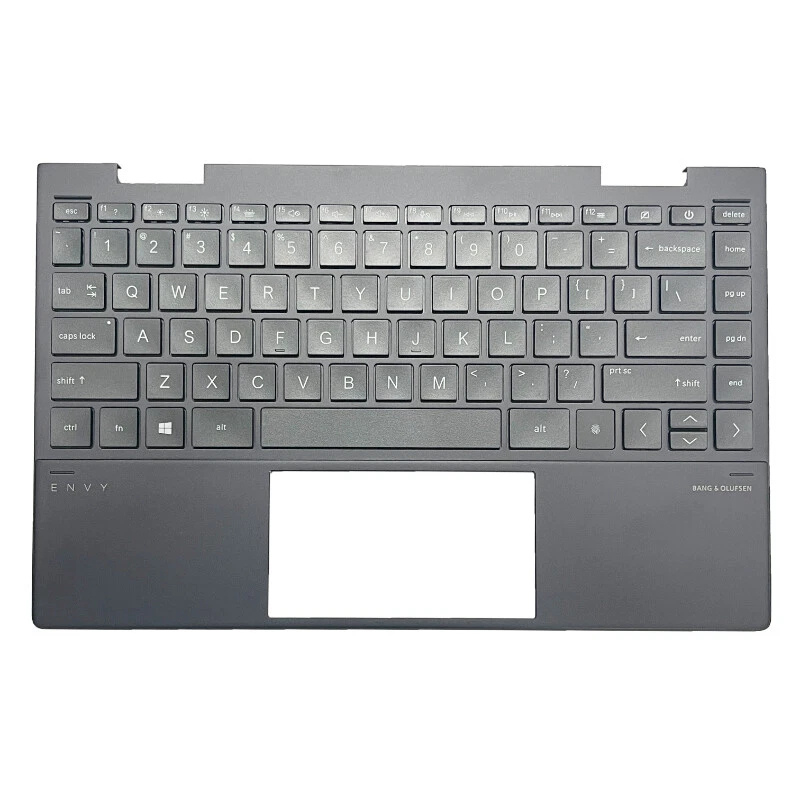
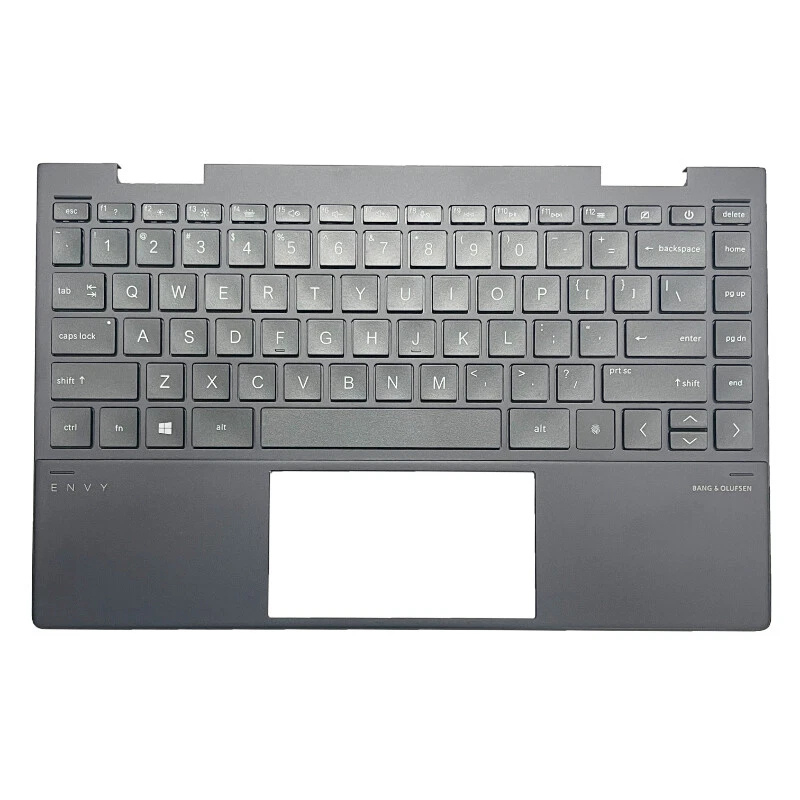
Common Keyboard / Top Case Issues on MacBook Pro 15" (A1260 · 2008 · Intel)

  • Keys sticking, double-typing or not registering at all
  • Liquid spill on the keyboard or palm rest area
  • Random characters appearing when typing
  • Visible dents, bends or cracks on the top case
  • Trackpad clicking inconsistently due to frame or battery issues

Why Choose One Fix Tech for Your MacBook Keyboard Repair?

  • We replace the full top case assembly, not just loose keycaps
  • Options with new Premium Platinium battery for maximum safety and runtime
  • Professional disassembly and reassembly following best practices
  • Lifetime warranty on the parts we install

Ready to Fix Your MacBook Pro 15" Keyboard?

Walk in anytime or book an appointment online for your Silver MacBook Pro 15" (A1260 · 2008).

Book Keyboard Repair