Protecting both your keyboard and battery long term
In this MacBook Pro 15" (A1286 · 2012 · Intel) design, the battery is mounted inside
the main chassis using strong internal fasteners and adhesive points. To reuse your existing battery,
it must be carefully separated from the old panel area and then fixed into the new keyboard assembly
with fresh mounting hardware or tape.
Even if this is done by a professional, the battery cells can still be flexed or
slightly stressed during removal. Modern lithium-ion batteries are built from extremely thin
internal layers containing graphite and other carbon-based active materials. Any bending or
twisting – even if you cannot see it from the outside – can damage these internal layers,
increase internal resistance and permanently reduce the battery’s performance.
If a battery is stressed or creased in this way, the internal carbon structure gradually
loses its factory properties. In real-world use this means shorter runtime, faster wear,
and in some cases a battery that becomes unstable or completely fails much earlier than
expected.
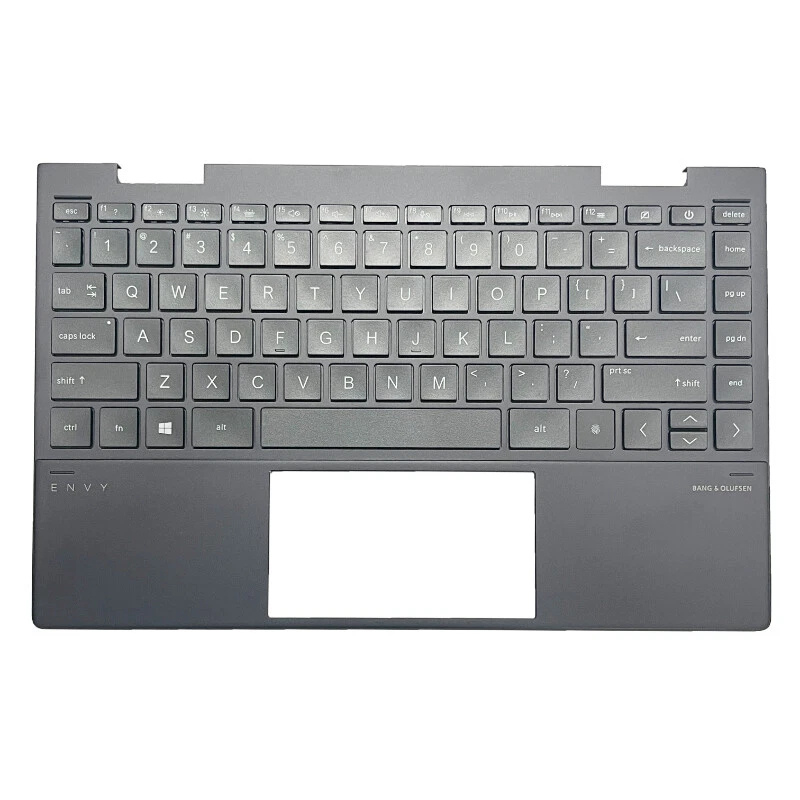
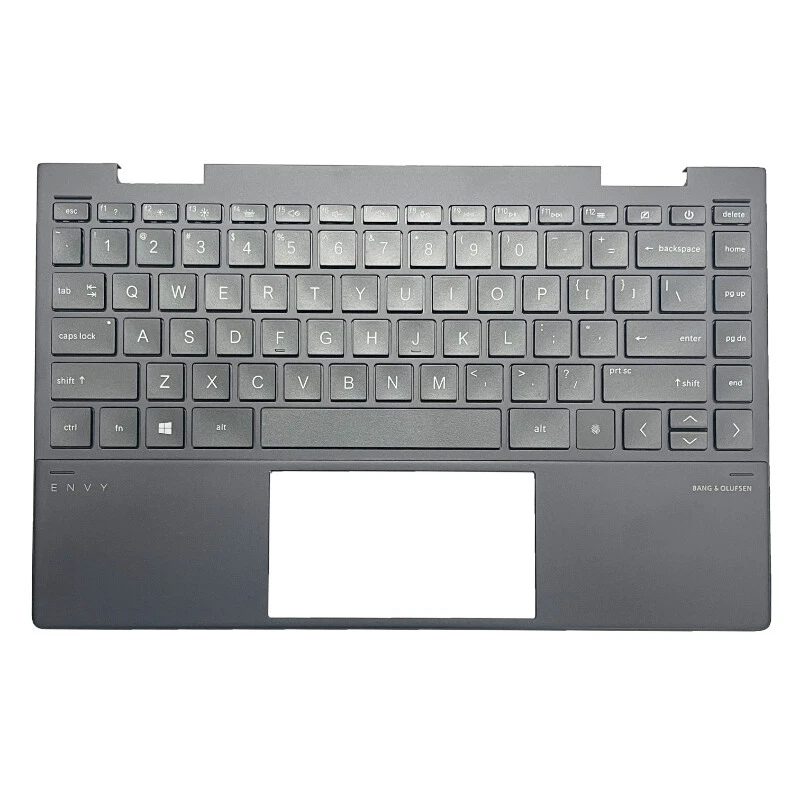
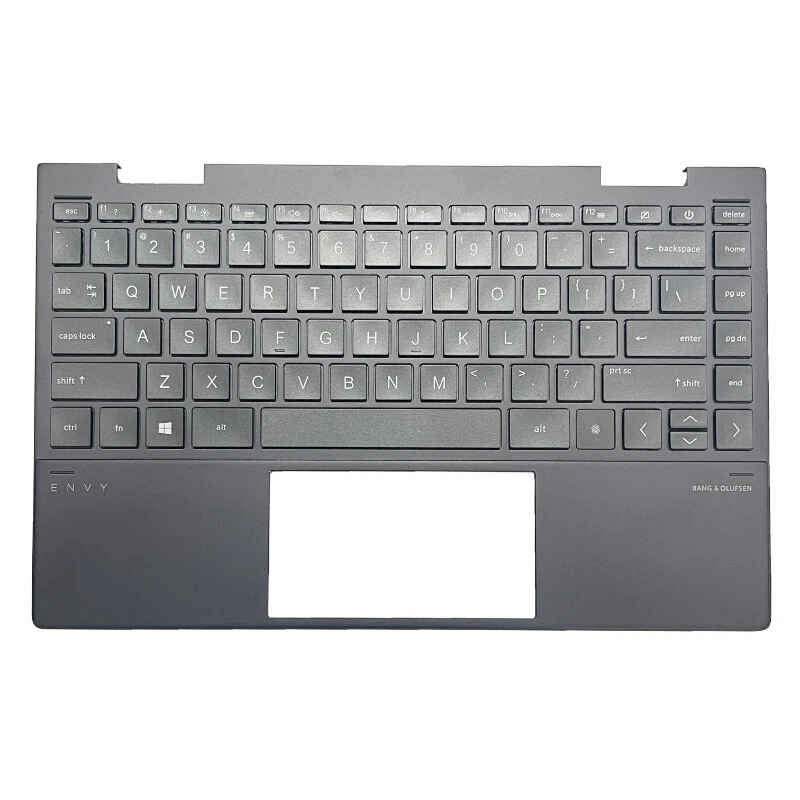
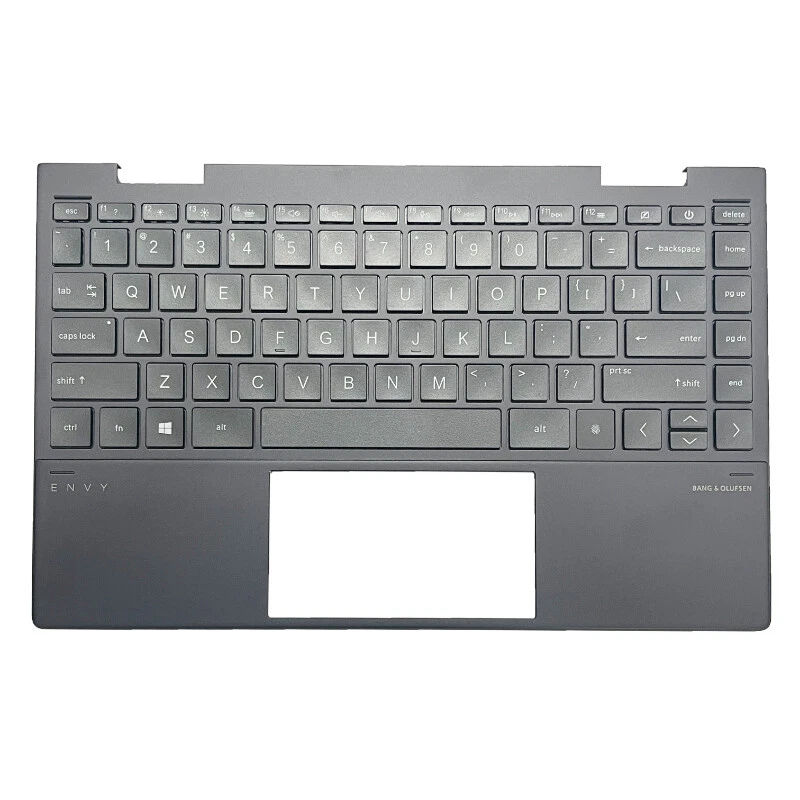
For this reason, the most professional and safe approach when replacing the full top case
keyboard panel is to install a new Premium Platinium battery that is factory-bonded or newly mounted to
the replacement assembly. This minimizes mechanical stress on the cells, preserves the
designed performance, and offers the most reliable long-term result for your MacBook Pro 15"
(A1286 · 2012 · Intel), keeping your classic Unibody MacBook running as solid as possible.