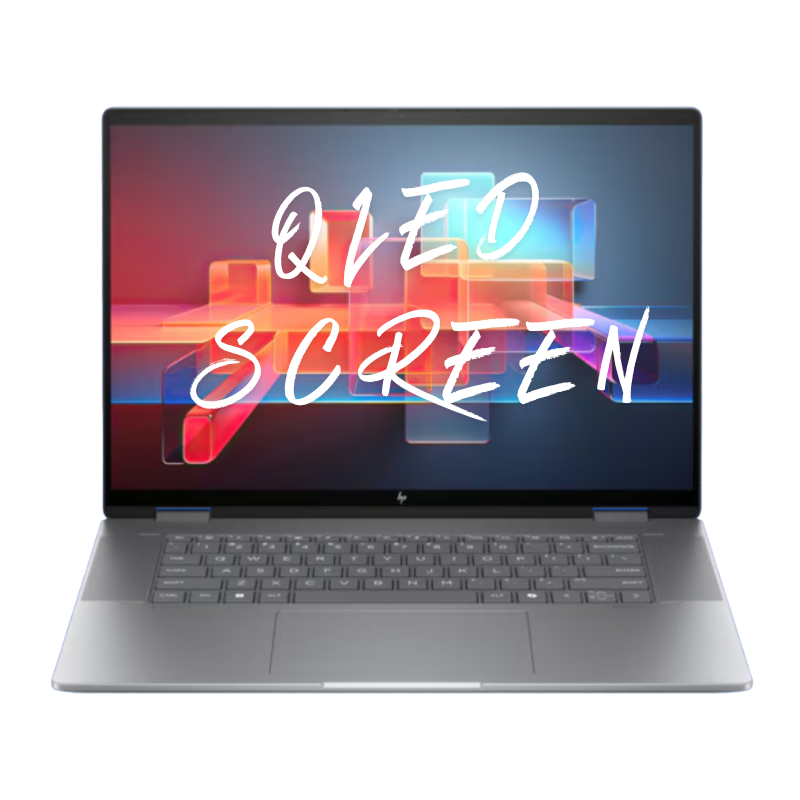
OLED Screen Repair
Premium OLED display replacement for supported Acer Chromebook Touch models with burn-in, color shift, vertical lines, or no image on high-resolution panels used in school and office.
Repair Time: ~1 business day
Select the repair type for your Acer Chromebook Touch or 2-in-1 device. Most repairs are completed in approximately 1 business day.
Premium OLED display replacement for supported Acer Chromebook Touch models with burn-in, color shift, vertical lines, or no image on high-resolution panels used in school and office.
Repair Time: ~1 business day
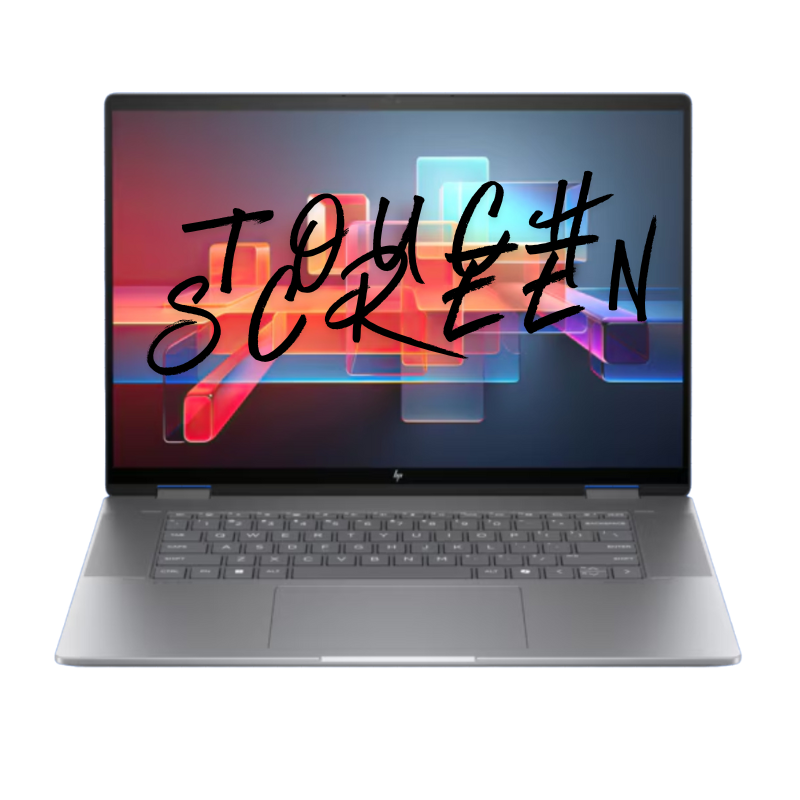
Fixes cracked touch glass, ghost touches, dead zones, or completely unresponsive touch on Acer Chromebook touch and 2-in-1 models used every day by students, teachers, and staff.
Repair Time: ~1 business day

Replacement of the display lid / back cover for dents, bends, cosmetic cracks, or loose / broken hinges on your Acer Chromebook Touch from backpacks, lockers, and daily travel.
Repair Time: ~1 business day
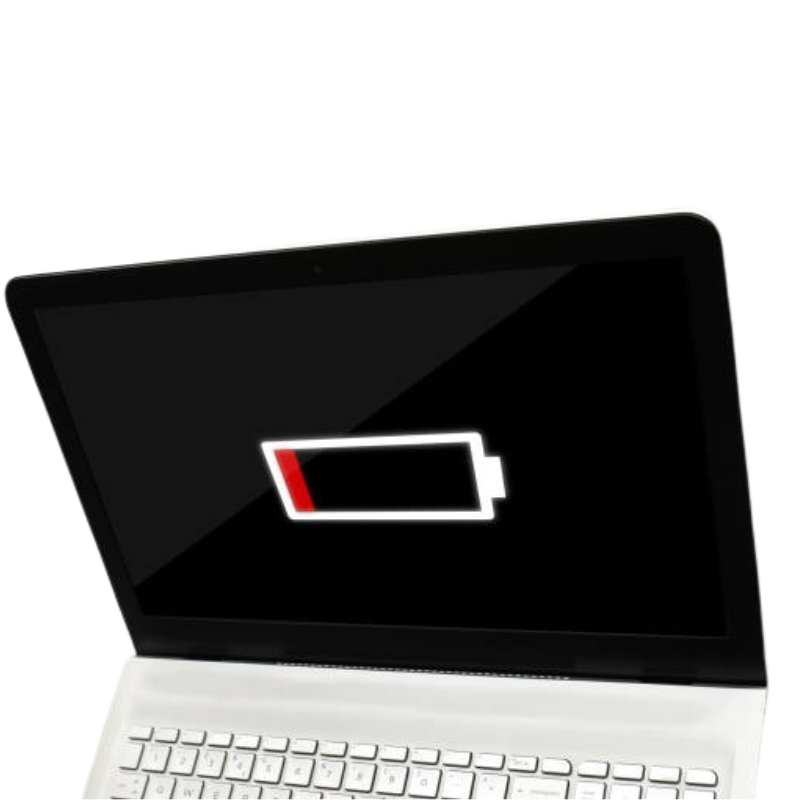
High-quality replacement battery for Chromebooks that drain quickly, shut down in class, or can’t last through a full school or work day on a single charge anymore.
Repair Time: ~1 business day
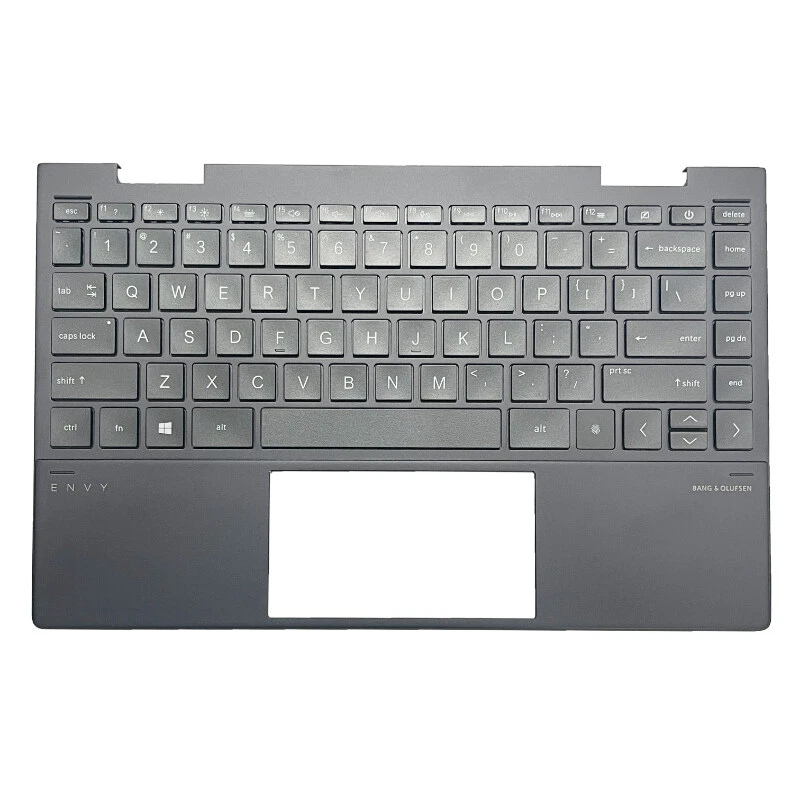
Fixes missing, sticky, or non-working keys on your Acer Chromebook keyboard, including damage from drops, worn keycaps, or small spills during everyday student use.
Repair Time: ~1 business day

Repairs erratic cursor movement, dead zones, gesture problems, or broken clicks on the Chromebook touchpad when browsing, typing assignments, or taking online tests.
Repair Time: ~1 business day
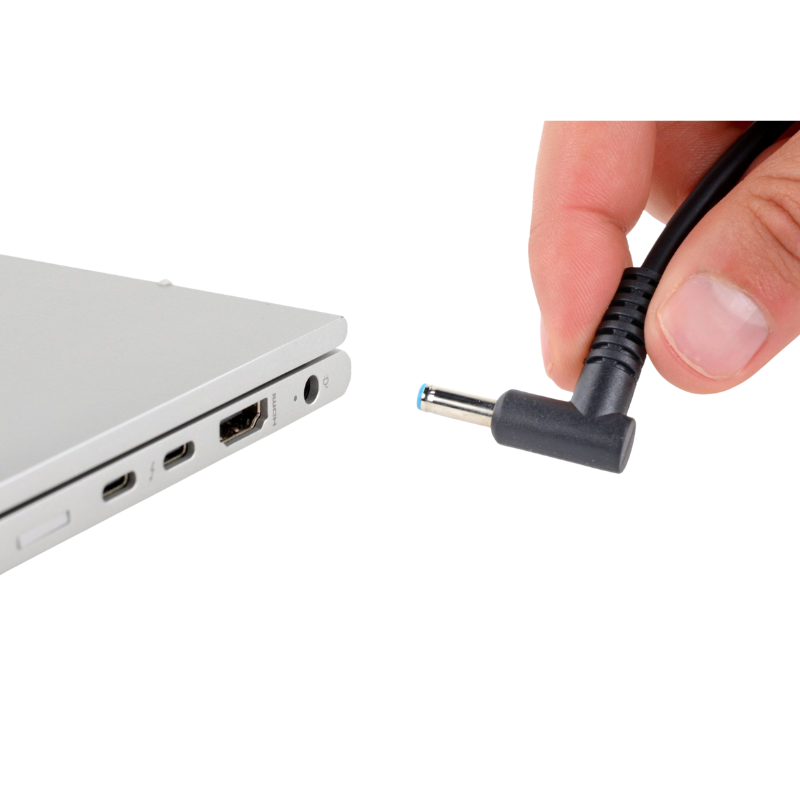
Repair or replacement of loose, bent, or intermittent USB-C / DC charging ports causing slow charging, no charge, or “plugged in, not charging” on your Acer Chromebook Touch device.
Repair Time: ~1 business day

Professional cleaning and board-level diagnostics after liquid spills (water, juice, milk, etc.) inside your Acer Chromebook Touch at home or in the classroom.
Repair Time: ~1 business day (after diagnosis)
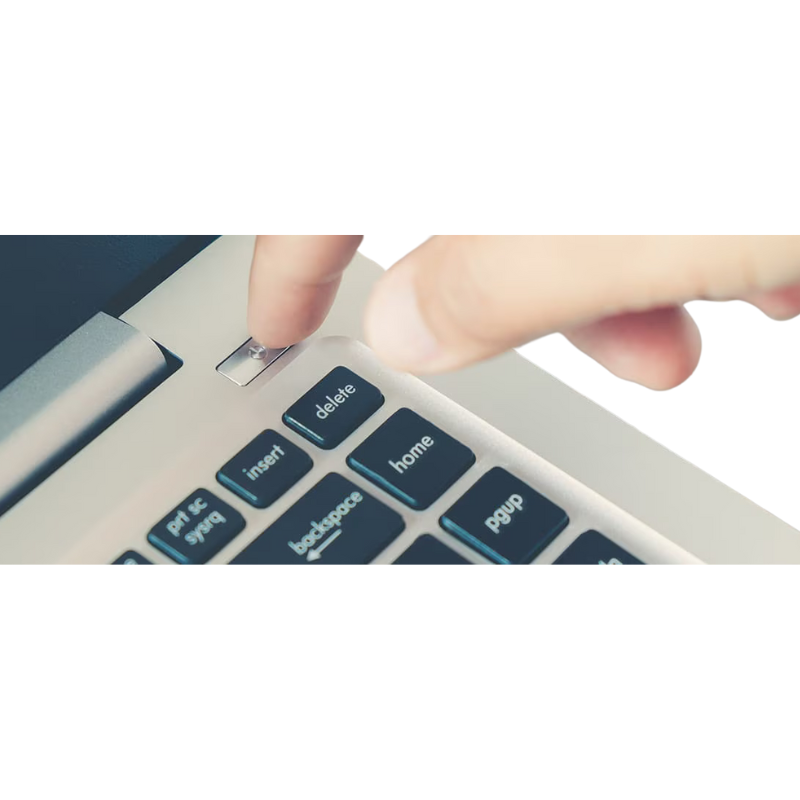
Board-level troubleshooting for Chromebooks that show no lights, no fan, and do not power on at all after a drop, charger issue, or liquid incident in a school or home environment.
Repair Time: ~1 business day (after diagnosis)
Bring your Acer Chromebook Touch in and we’ll diagnose it for you.
Book an Appointment