
Glossy Screen Replacement
Factory-quality glossy LCD replacement for cracked, scratched, flickering, or dim Acer Extensa non-touch displays damaged by drops, pressure, or everyday wear and tear.
Repair Time: ~1 business day
Choose the repair type for your Acer Extensa non-touch laptop. Most repairs are completed in approximately 1 business day.
Factory-quality glossy LCD replacement for cracked, scratched, flickering, or dim Acer Extensa non-touch displays damaged by drops, pressure, or everyday wear and tear.
Repair Time: ~1 business day

Anti-glare matte panel option to reduce reflections and eye strain in offices, classrooms, and bright environments on your Acer Extensa non-touch display.
Repair Time: ~1 business day
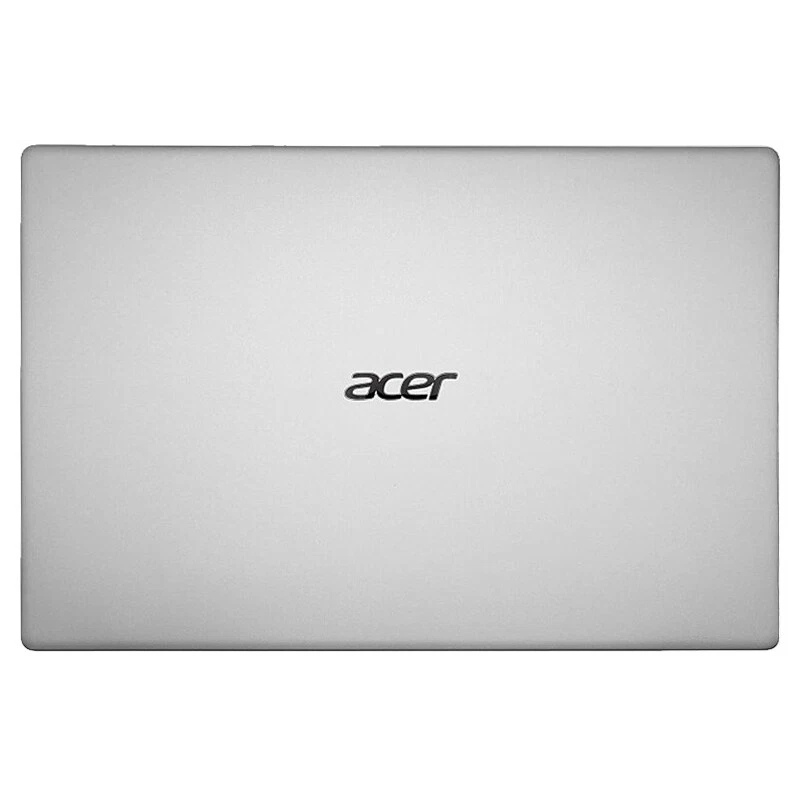
Replacement of the display lid / back cover for dents, bends, cosmetic cracks, or loose / broken hinges on the Acer Extensa chassis after daily use or travel in a bag.
Repair Time: ~1 business day
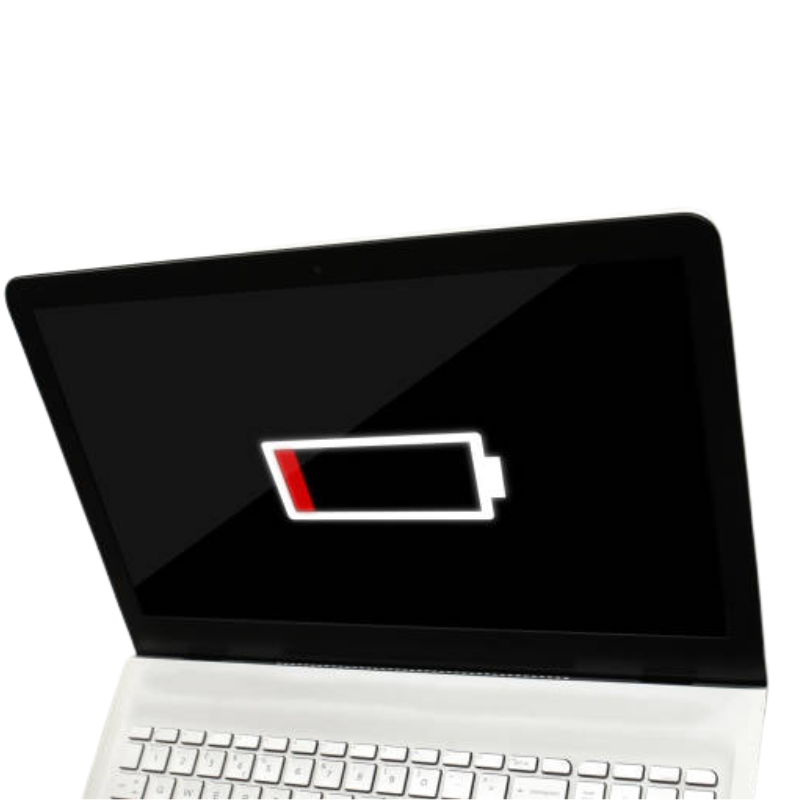
Reliable replacement battery for Acer Extensa systems that drain too quickly, shut down unexpectedly, or can’t last through a full workday or school day unplugged.
Repair Time: ~1 business day
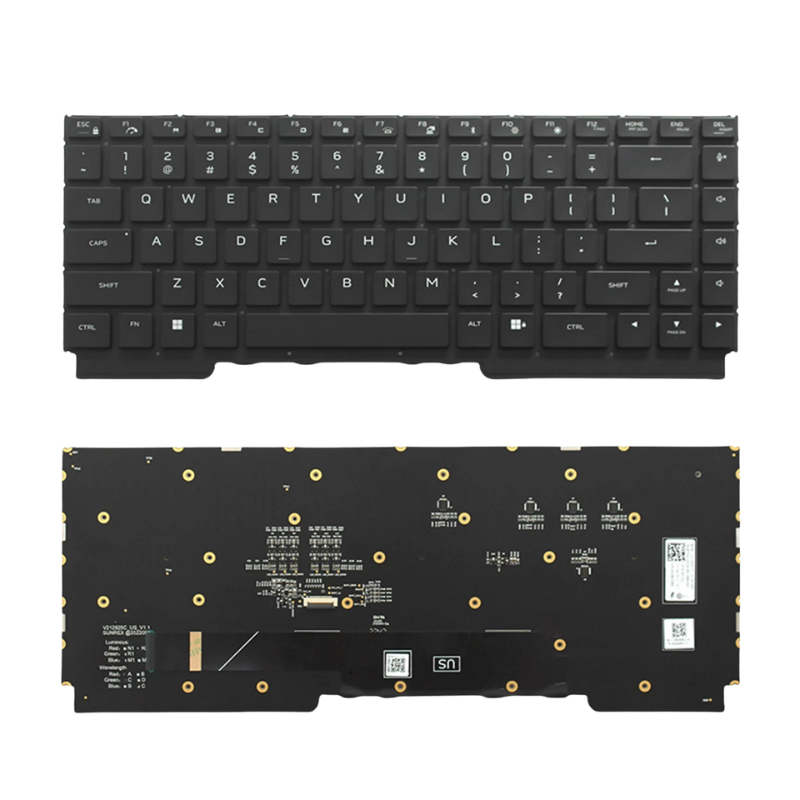
Fixes missing, sticky, or non-working keys on your Acer Extensa keyboard, caused by heavy typing, wear, crumbs, or minor spills during everyday use at home or work.
Repair Time: ~1 business day
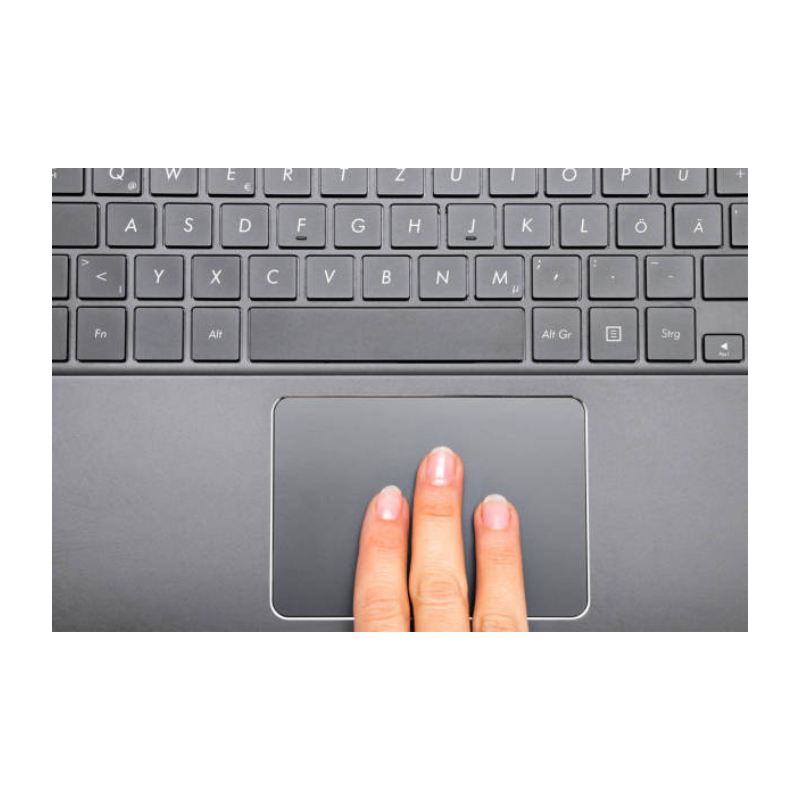
Repairs erratic cursor movement, dead zones, gesture problems, or broken clicks on the Acer Extensa touchpad / clickpad when you’re working without an external mouse.
Repair Time: ~1 business day
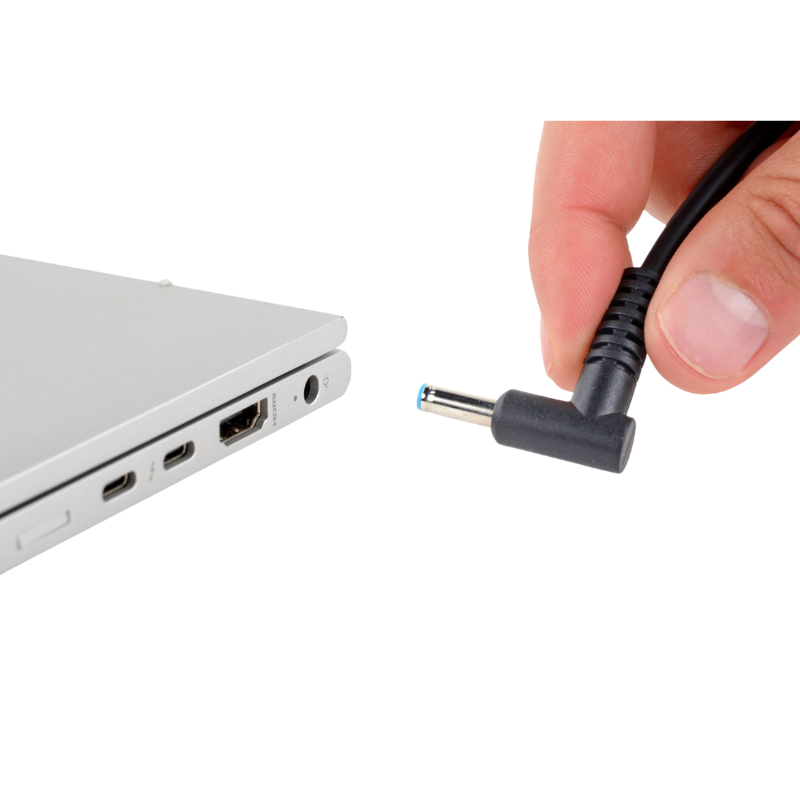
Repair or replacement of loose, bent, or intermittent DC / USB-C power ports causing slow charging, random disconnects, or “plugged in, not charging” on your Acer Extensa laptop.
Repair Time: ~1 business day

Professional cleaning and board-level diagnostics after liquid spills (water, coffee, tea, juice, etc.) inside your Acer Extensa non-touch laptop.
Repair Time: ~1 business day (after diagnosis)

Board-level troubleshooting for Acer Extensa systems that show no lights, no fan spin, and do not power on at all after a surge, drop, or liquid incident at home, work, or school.
Repair Time: ~1 business day (after diagnosis)
Bring your Acer Extensa in and we’ll diagnose it for you.
Book an Appointment