
Glossy Screen Replacement
Factory-quality glossy LCD replacement for cracked, flickering, or dim HP Chromebook displays.
Repair Time: ~1 business day
Select the repair type for your HP Chromebook Non-Touch model. Most repairs are completed in approximately 1 business day.
Factory-quality glossy LCD replacement for cracked, flickering, or dim HP Chromebook displays.
Repair Time: ~1 business day

Anti-glare matte panel option to reduce reflections in classrooms, offices, and outdoor environments.
Repair Time: ~1 business day

Repair or replacement of the display lid / back cover for dents, cracks, and hinge-area damage.
Repair Time: ~1 business day
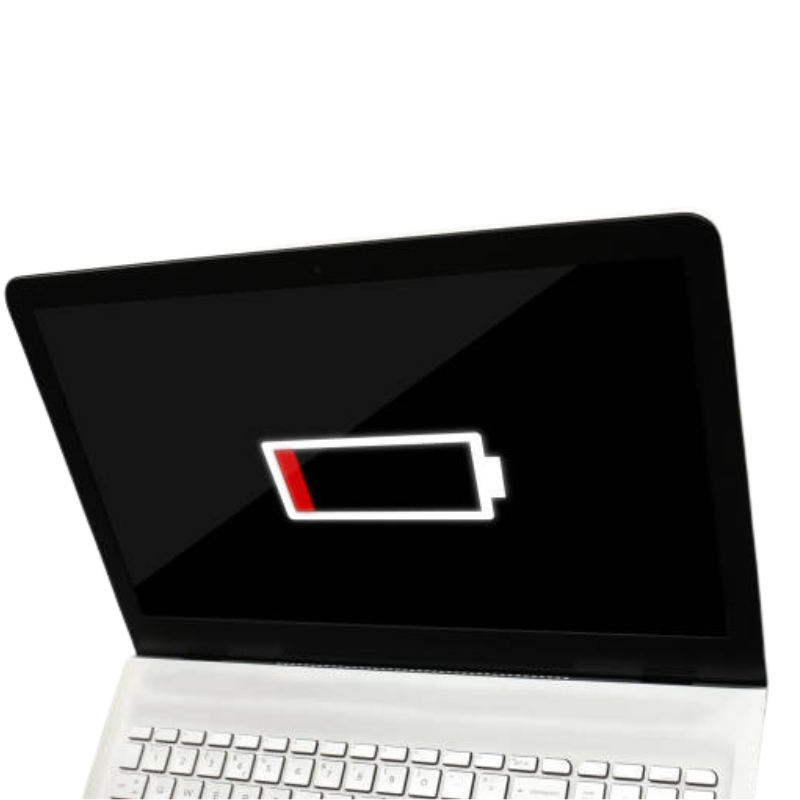
New high-quality battery for Chromebooks that drain quickly, shut down early, or won’t hold a charge all day.
Repair Time: ~1 business day
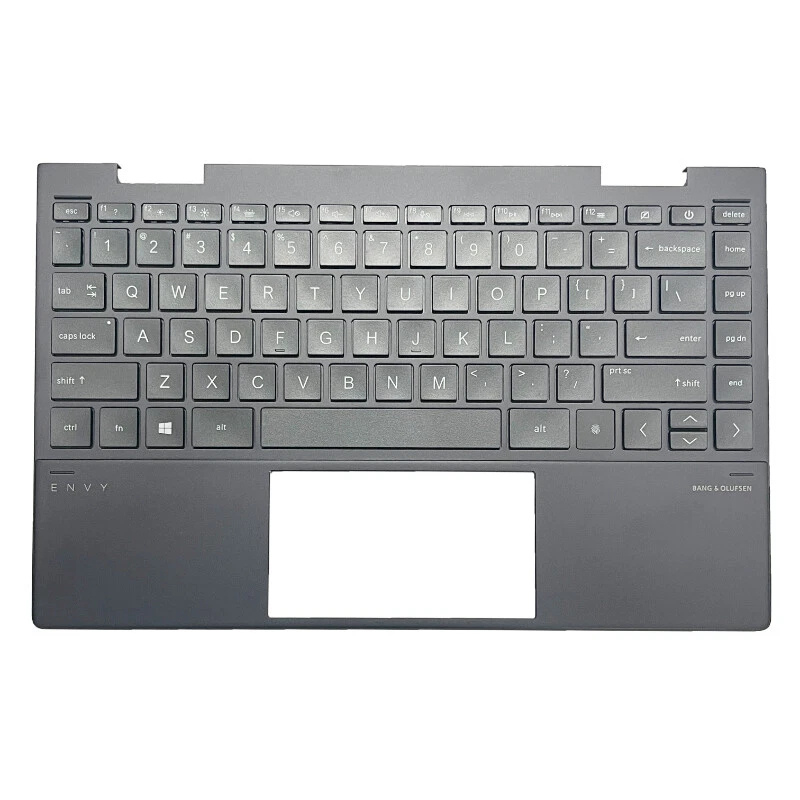
Fixes missing, sticky, or non-working keys from student use, spills, or impact damage.
Repair Time: ~1 business day
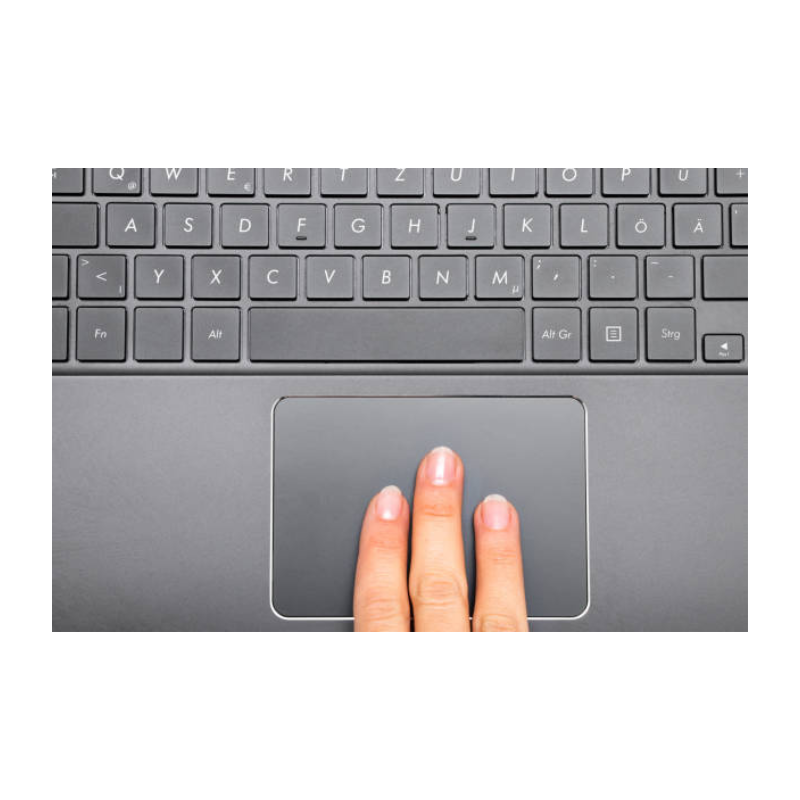
Repairs erratic cursor movement, dead areas, tap-to-click issues, and broken physical clicks.
Repair Time: ~1 business day
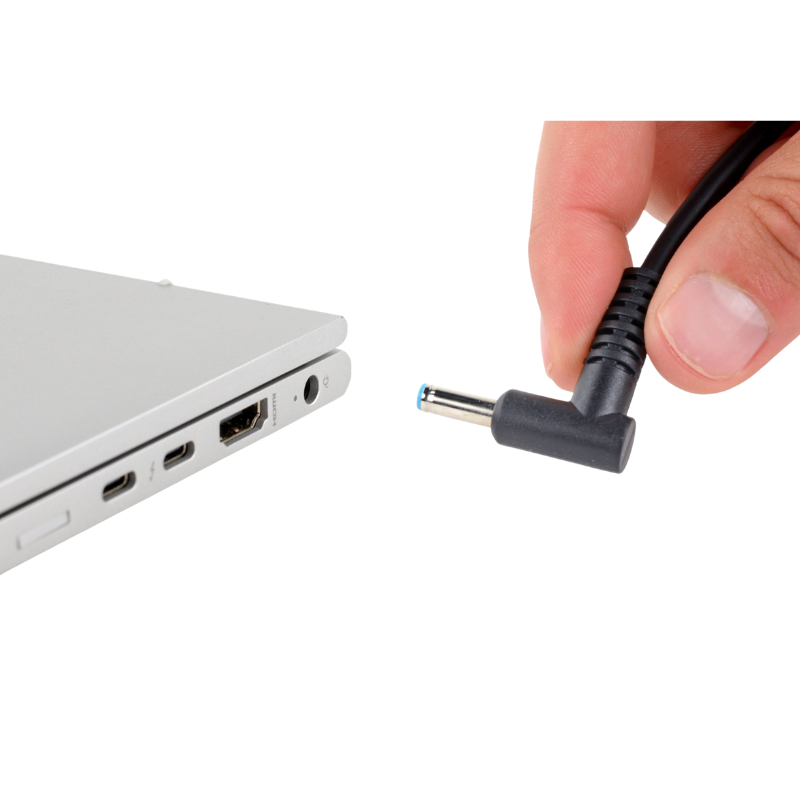
Repair or replacement of loose, bent, or intermittent USB-C / barrel charging ports causing power issues.
Repair Time: ~1 business day

Professional cleaning and board-level diagnostics after liquid spills (water, juice, coffee, soda, etc.).
Repair Time: ~1 business day (after diagnosis)

Board-level troubleshooting for Chromebooks that show no lights, no fan, and do not turn on at all.
Repair Time: ~1 business day (after diagnosis)
Bring your HP Chromebook in and we’ll diagnose it for you.
Book an Appointment