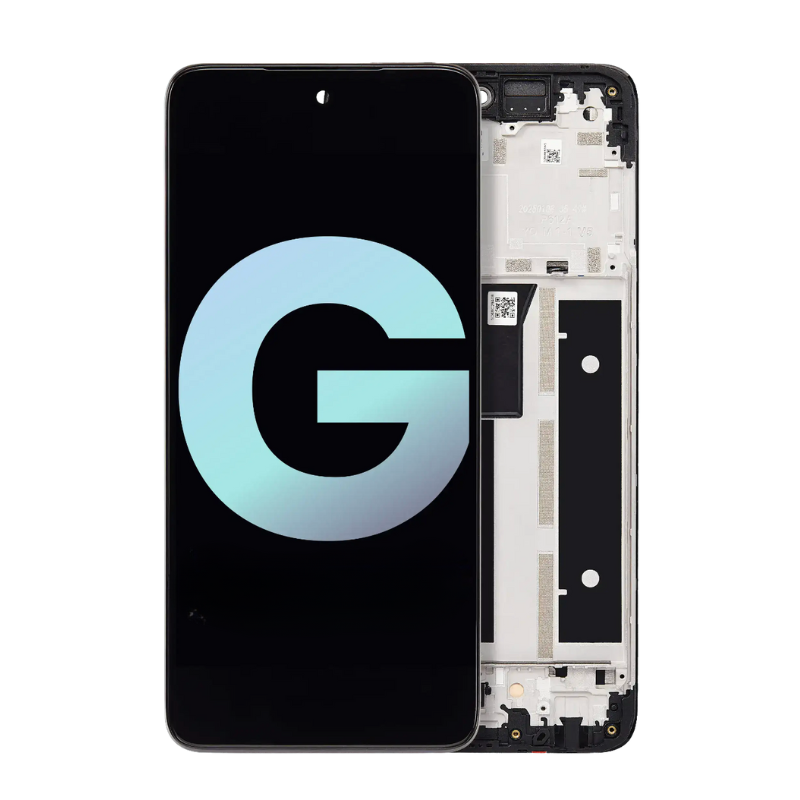
OLED Screen Repair
Premium high-resolution display replacement for supported Toshiba Libretto W100 models with
burn-in, color shift, vertical lines, flickering, or no image on either of the two touchscreens—
perfect for restoring a sharp, bright picture for browsing, apps, and media on this compact device.
Repair Time: ~1 business day
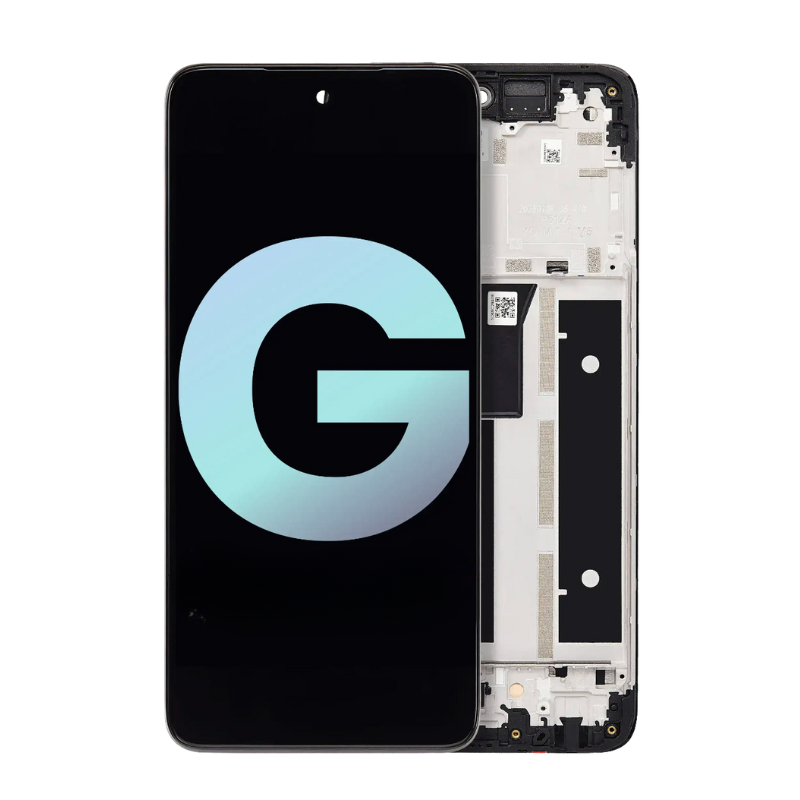
Touch Screen Repair
Fixes cracked touch glass, ghost touches, dead zones, or completely unresponsive touch
on the Libretto W100’s upper or lower display—whether you use it in ebook style, as a mini laptop,
or with the bottom screen acting as a virtual keyboard and touch control area every day.
Repair Time: ~1 business day

Screen Back Cover Repair
Replacement of the outer housing / back cover and hinge area for dents, bends, cosmetic cracks,
or loose / broken hinges on your Toshiba Libretto W100 from bags, travel, and everyday carrying—
helping both screens close properly and keeping the hinge structure firm again in all positions.
Repair Time: ~1 business day

Battery Replacement
High-quality replacement battery for Libretto W100 devices that drain quickly, shut down suddenly,
or can’t last through a full class, commute, or evening of browsing on a single charge anymore—
even with brightness turned down and only a few apps or browser tabs open at once on each screen.
Repair Time: ~1 business day

Keyboard Repair
Service for on-screen keyboard issues and compatible external keyboards—fixes problems like keys
not registering, repeating characters, or layout glitches on the Libretto’s virtual keyboard,
plus replacement options for wired or wireless accessory keyboards used with the W100 every day.
Repair Time: ~1 business day
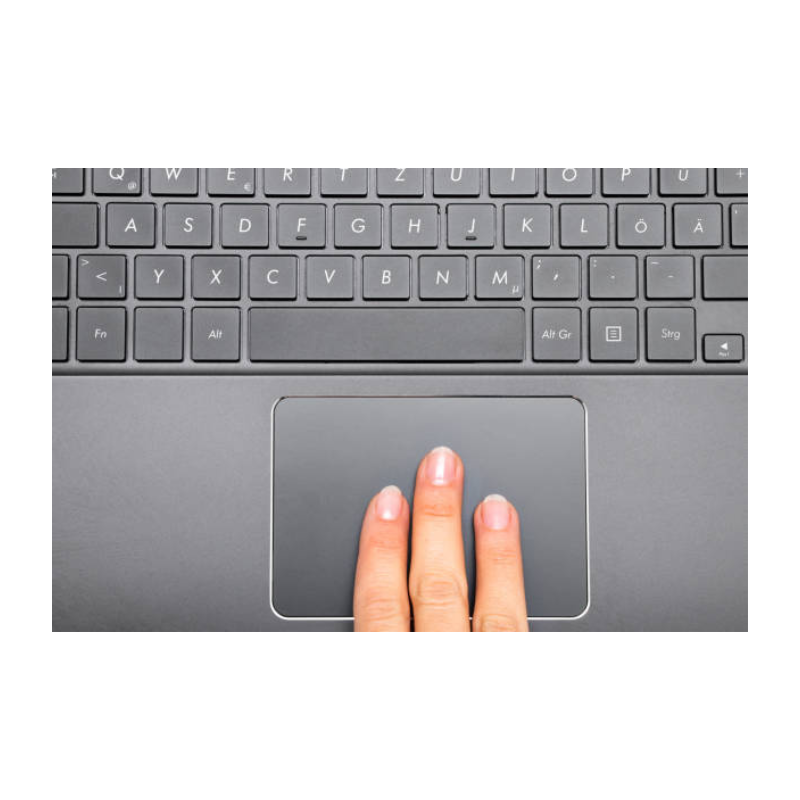
Touch Pad Repair
Repairs erratic pointer movement, gesture problems, or unresponsive virtual touchpad zones
on the Libretto W100’s lower screen when used as a trackpad or control surface—ideal when
taps, drags, and multi-touch gestures do not respond correctly on your compact dual-screen device.
Repair Time: ~1 business day

Charging Port Repair
Repair or replacement of loose, bent, or intermittent DC charging ports causing
slow charging, no charging, or needing to “hold the cable just right” on your Toshiba Libretto W100—
common on compact mobile devices that are frequently plugged in, packed away, and used while charging
on couches, beds, and desks during everyday use and travel.
Repair Time: ~1 business day

Water Damage Repair
Professional cleaning and board-level diagnostics after liquid spills
(water, coffee, tea, soda, juice, etc.) inside your Libretto W100 dual-screen device—whether it happened
at home, in a bag, in class, or at a café—to give this compact system the best chance of recovery
and help protect your notes, documents, and personal data when possible.
Repair Time: ~1 business day (after diagnosis)

No Power Repair
Board-level troubleshooting for Toshiba Libretto W100 devices that show no lights, no vibration,
no image on either screen, and do not power on at all after a drop, charger issue, power surge,
or liquid incident—so you can get back to using your unique dual-screen mini PC as soon as possible.
Repair Time: ~1 business day (after diagnosis)