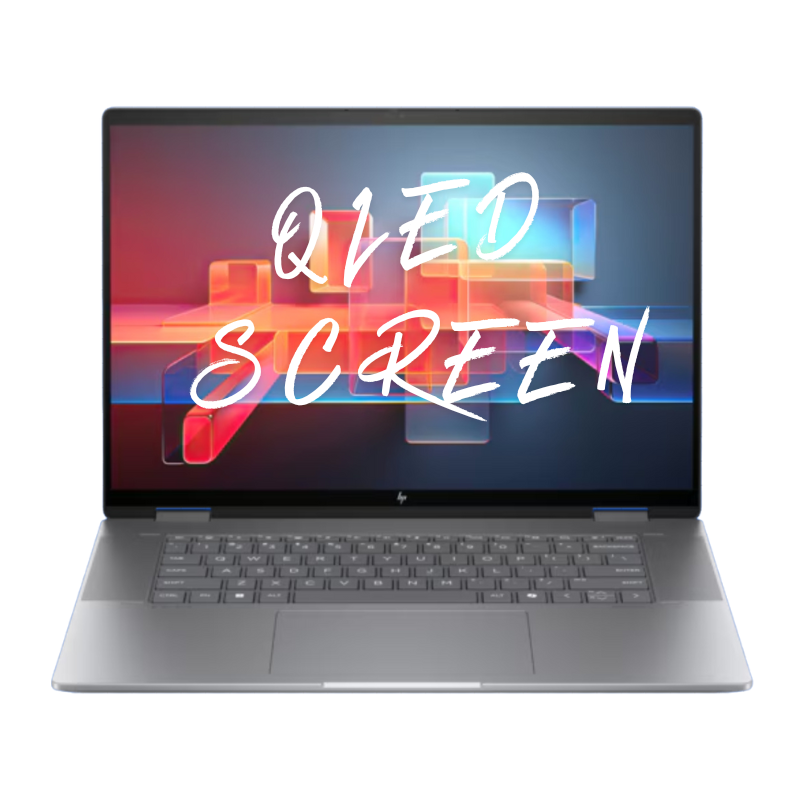
OLED Screen Repair
Premium high-resolution display replacement for supported Toshiba Qosmio X70 touch models with
burn-in, color shift, vertical lines, flickering, or no image—perfect for restoring a sharp,
bright gaming and multimedia experience for AAA titles, streaming, and everyday use.
Repair Time: ~1 business day
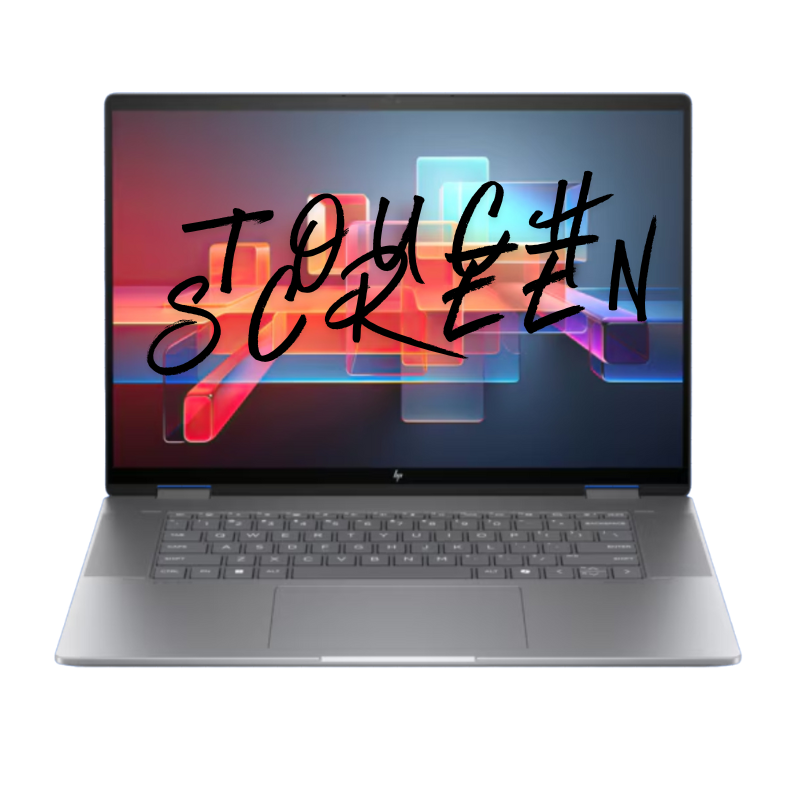
Touch Screen Repair
Fixes cracked touch glass, ghost touches, dead zones, or completely unresponsive touch
on Qosmio X70 touch models used for tapping through apps, game launchers, streaming platforms,
and Windows navigation while your laptop stays on your desk, stand, or gaming setup every day.
Repair Time: ~1 business day
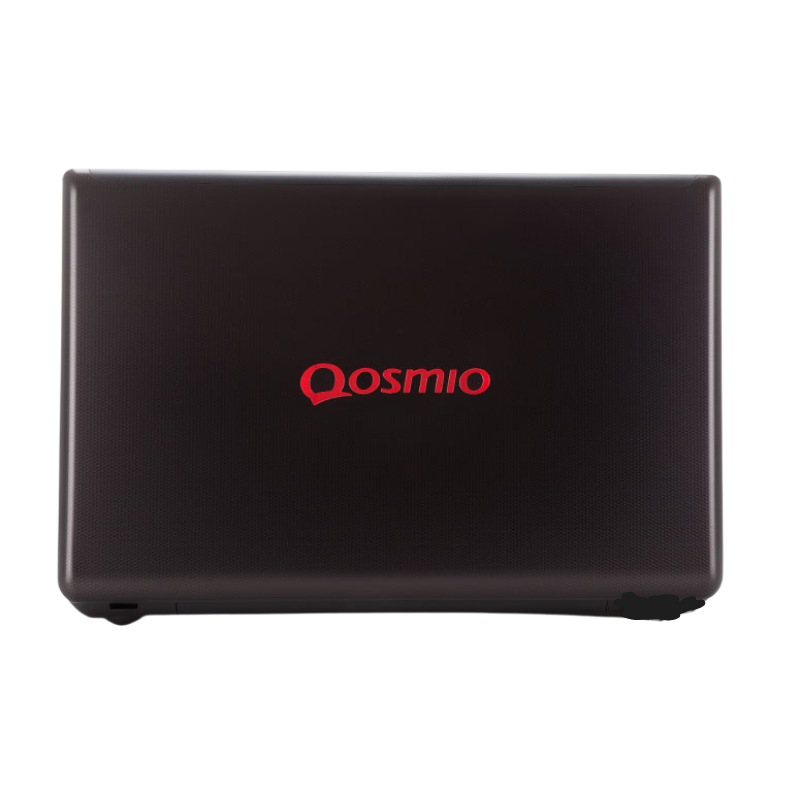
Screen Back Cover Repair
Replacement of the display lid / back cover for dents, bends, cosmetic cracks,
or loose / broken hinges on your Toshiba Qosmio X70 from backpacks, LAN parties, travel,
and daily movement between home, office, and gaming setups—so the big screen stays stable and solid.
Repair Time: ~1 business day
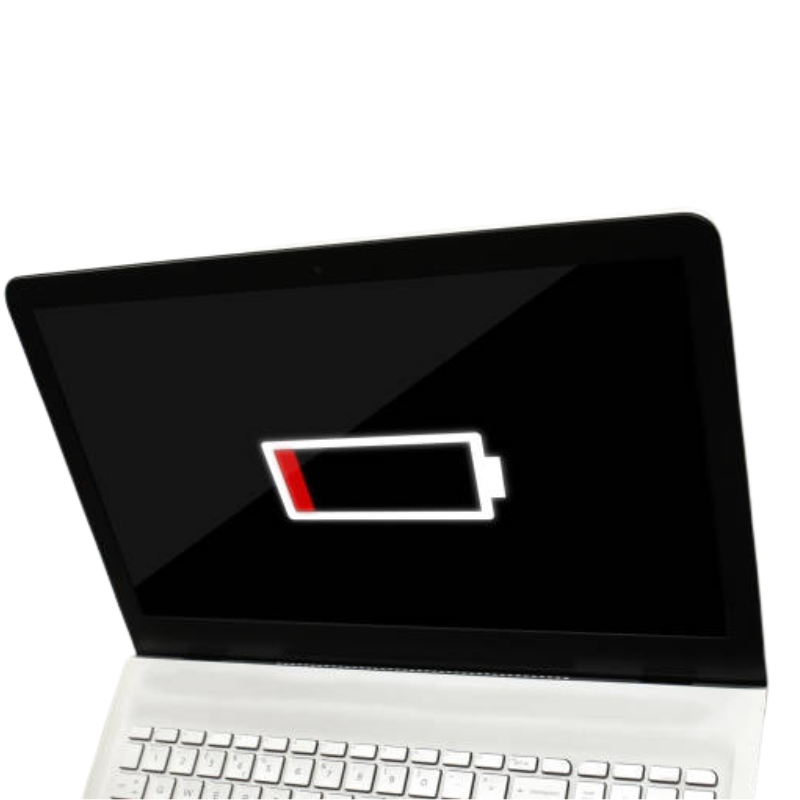
Battery Replacement
High-quality replacement battery for Qosmio X70 touch laptops that drain quickly, shut down
in the middle of games, or can’t last through a movie, class, or work session on a single charge
anymore—even on balanced or power-saving modes instead of full performance mode.
Repair Time: ~1 business day
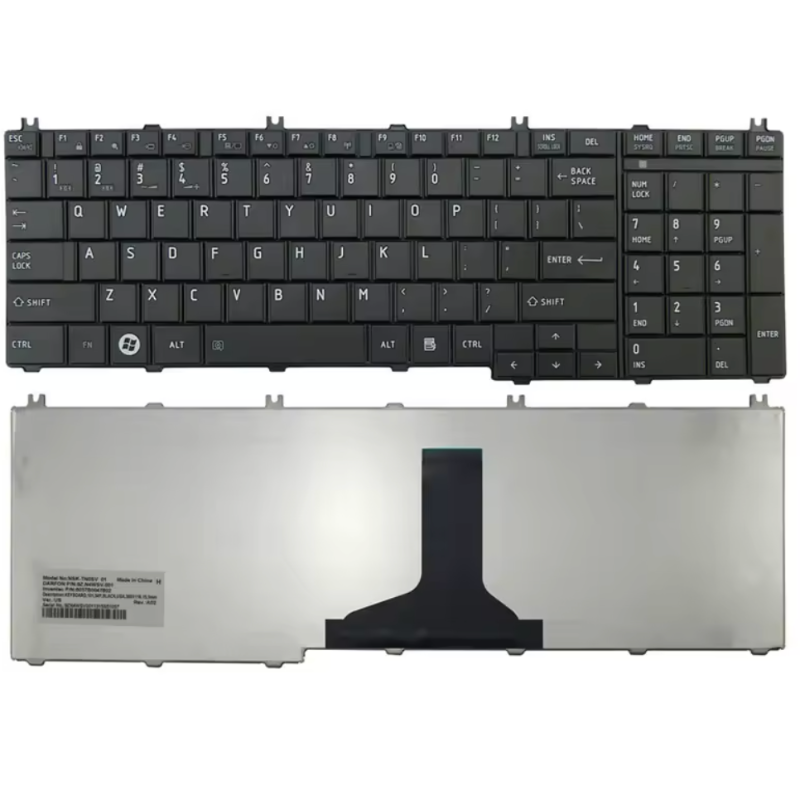
Keyboard Repair
Fixes missing, sticky, double-typing, or non-working keys on your Toshiba Qosmio X70 keyboard,
including worn WASD keys from gaming, stuck keys after travel, or small spills from drinks
during long gaming sessions, homework, or office work on the same machine.
Repair Time: ~1 business day
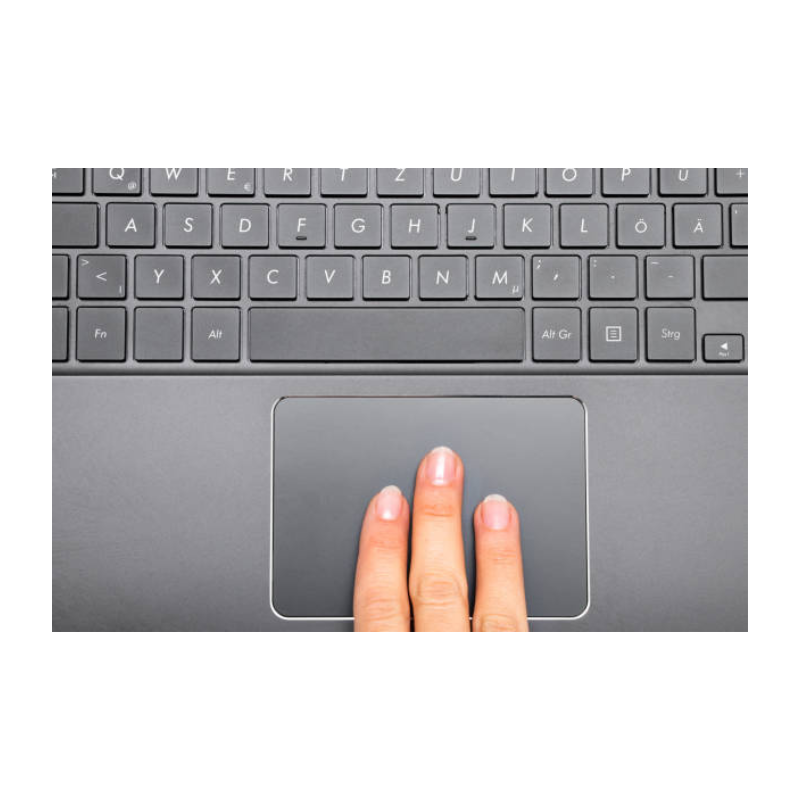
Touch Pad Repair
Repairs erratic cursor movement, dead zones, jumping pointer, gesture problems, or broken clicks
on the Qosmio X70 touchpad when you’re browsing, working, or using the laptop away from your desk—
ideal when you don’t have a gaming mouse connected but still need smooth, accurate control.
Repair Time: ~1 business day
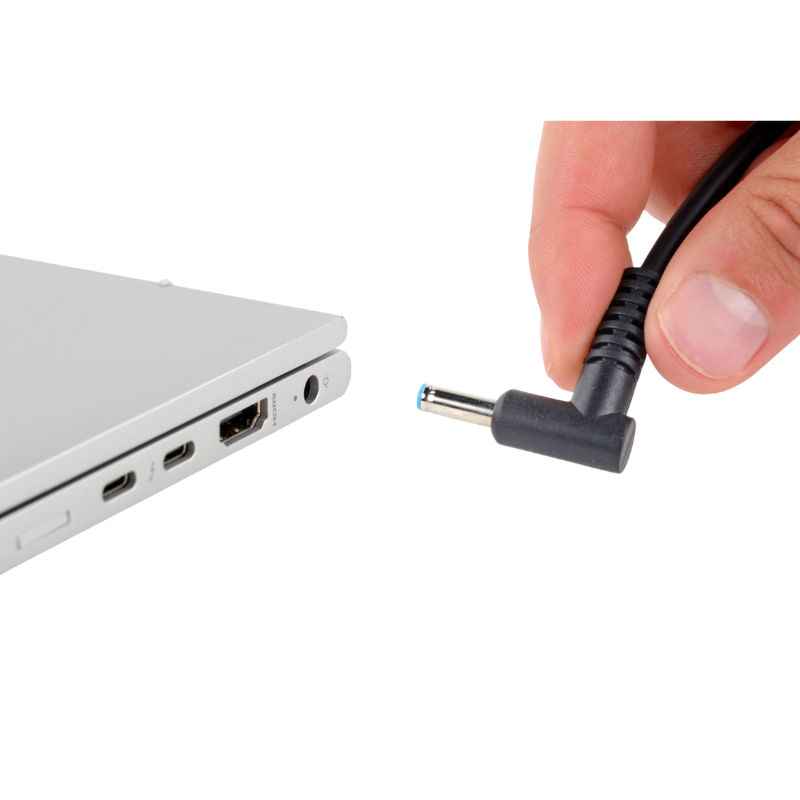
Charging Port Repair
Repair or replacement of loose, bent, or intermittent DC charging ports causing
slow charging, no charging, or needing to “hold the cable just right” on your Toshiba Qosmio X70—
common on powerful gaming laptops that are plugged in for long sessions and moved around the room
while still connected to the adapter and power strip.
Repair Time: ~1 business day

Water Damage Repair
Professional cleaning and board-level diagnostics after liquid spills
(water, energy drinks, soda, coffee, etc.) inside your Qosmio X70 touch laptop—whether it happened
at your gaming desk, in your living room, or in a dorm—to give the system the best chance of recovery
and help protect your game files, saves, and personal data when possible.
Repair Time: ~1 business day (after diagnosis)
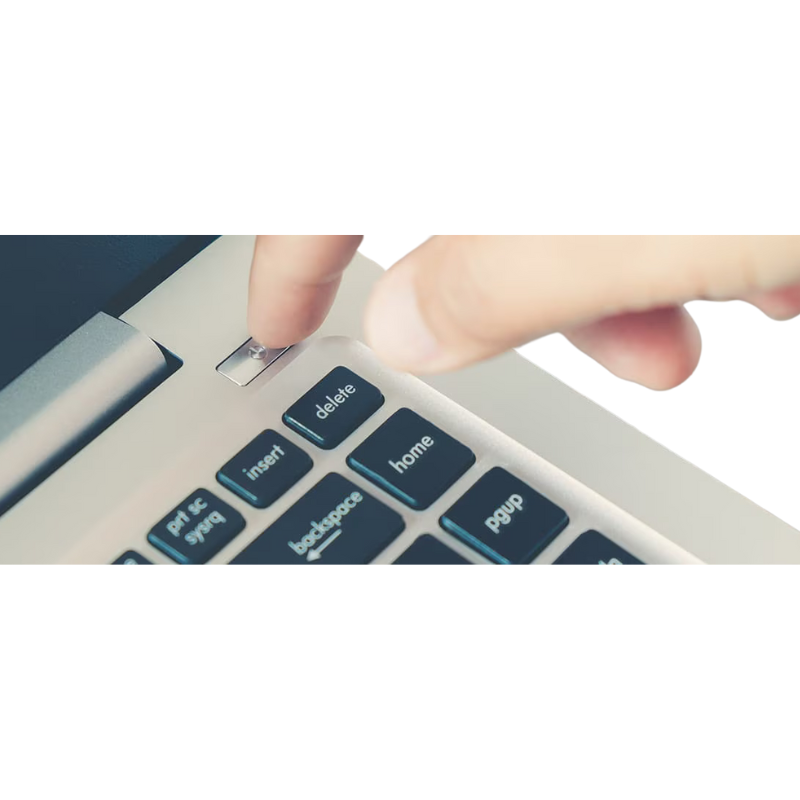
No Power Repair
Board-level troubleshooting for Toshiba Qosmio X70 touch gaming laptops that show no lights, no fan,
and do not power on at all after a drop, charger issue, power surge, or liquid incident—so you can
get back to gaming, streaming, school, and everyday home use as quickly as possible on your X70 again.
Repair Time: ~1 business day (after diagnosis)