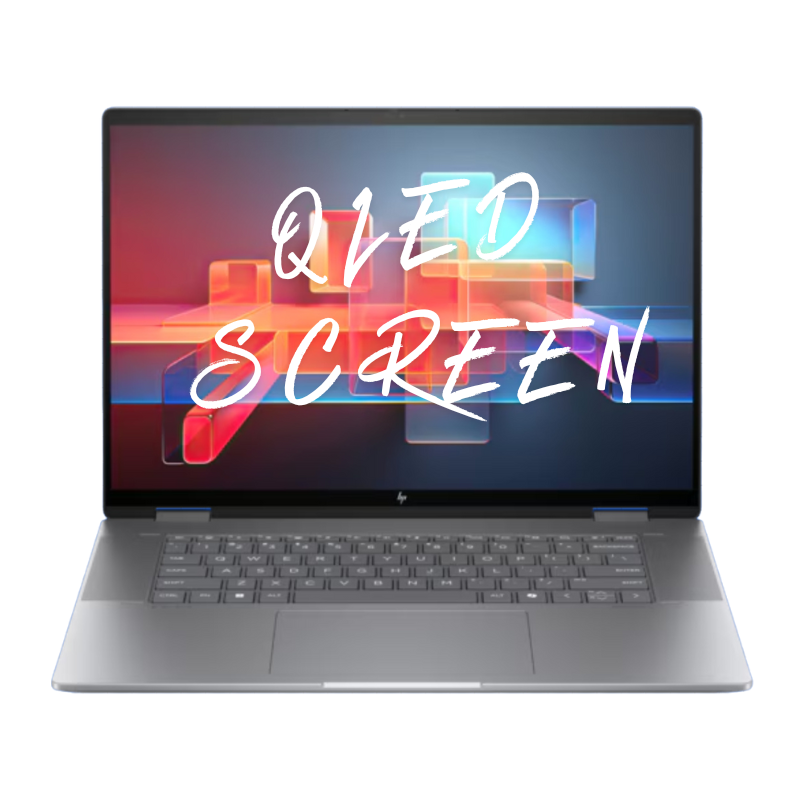
OLED Screen Repair
Premium high-resolution display replacement for supported Toshiba Satellite C40 touch models with
burn-in, color shift, vertical lines, flickering, or no image—perfect for bringing back a sharp,
bright picture for school, home, and everyday office use.
Repair Time: ~1 business day
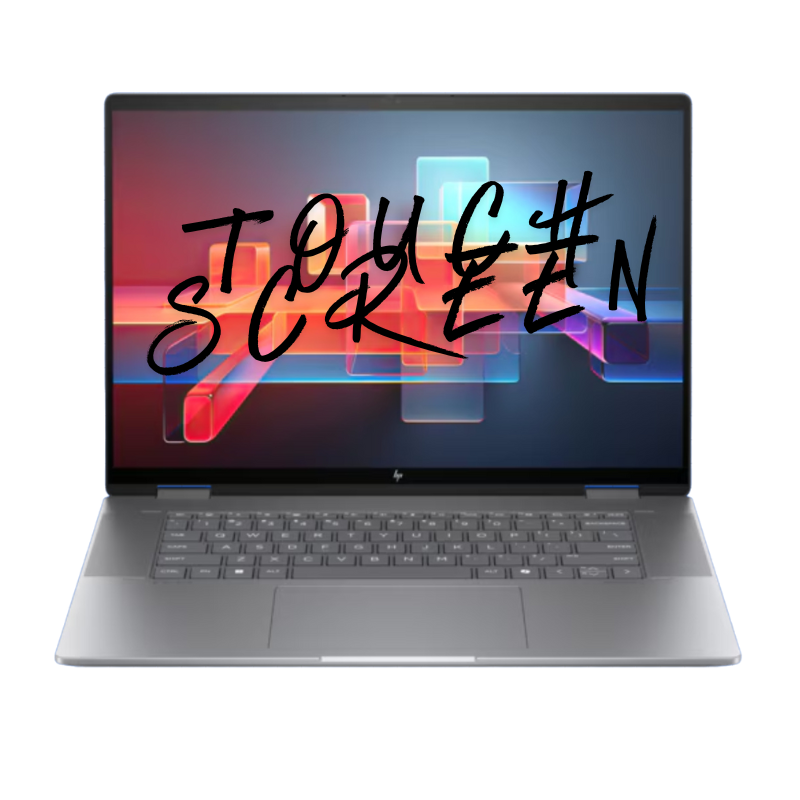
Touch Screen Repair
Fixes cracked touch glass, ghost touches, dead zones, or completely unresponsive touch
on Toshiba Satellite C40 touch models used by students and home users for tapping through apps,
zooming homework pages, and scrolling websites with their fingers every day.
Repair Time: ~1 business day
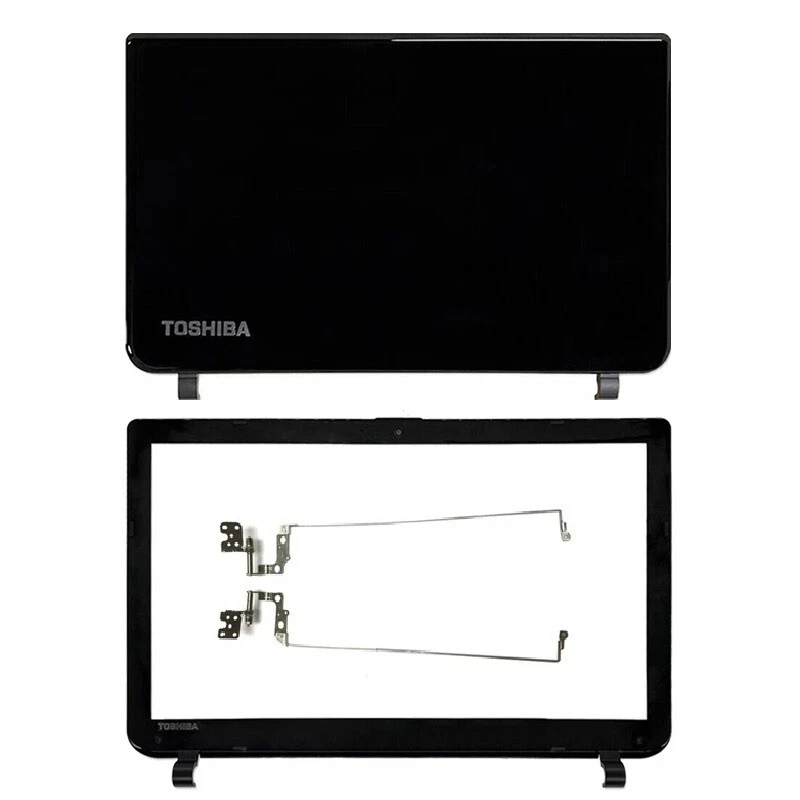
Screen Back Cover Repair
Replacement of the display lid / back cover for dents, bends, cosmetic cracks,
or loose / broken hinges on your Toshiba Satellite C40 from backpacks, school bags, and
daily travel between home, classroom, library, and office desks or tables.
Repair Time: ~1 business day
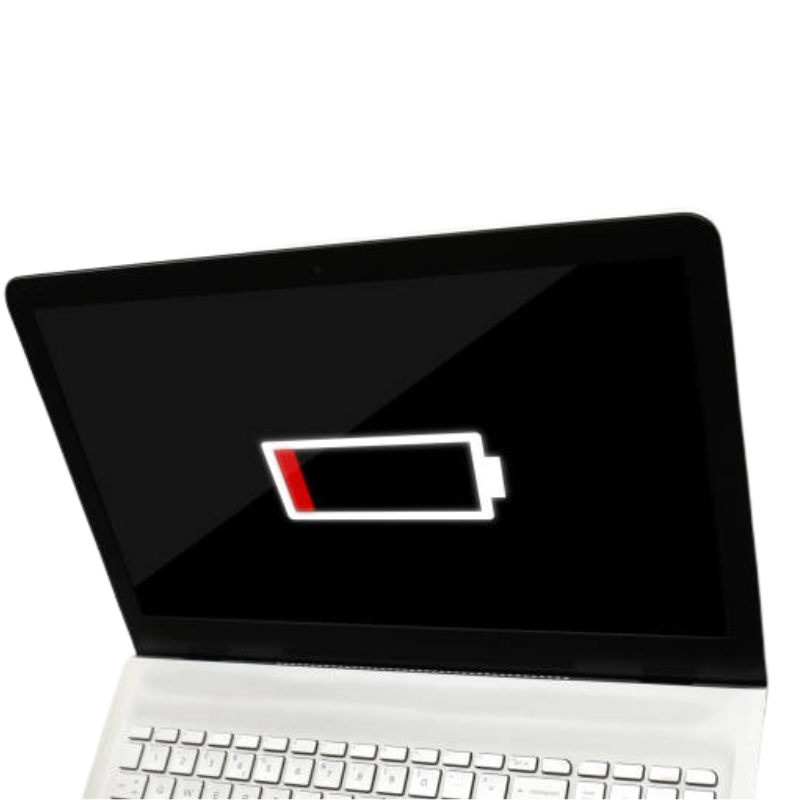
Battery Replacement
High-quality replacement battery for Satellite C40 touch laptops that drain quickly, shut down
during class or streaming, or can’t last through a full school or work day on a single charge anymore—
even with brightness turned down and only a few browser tabs open at once.
Repair Time: ~1 business day
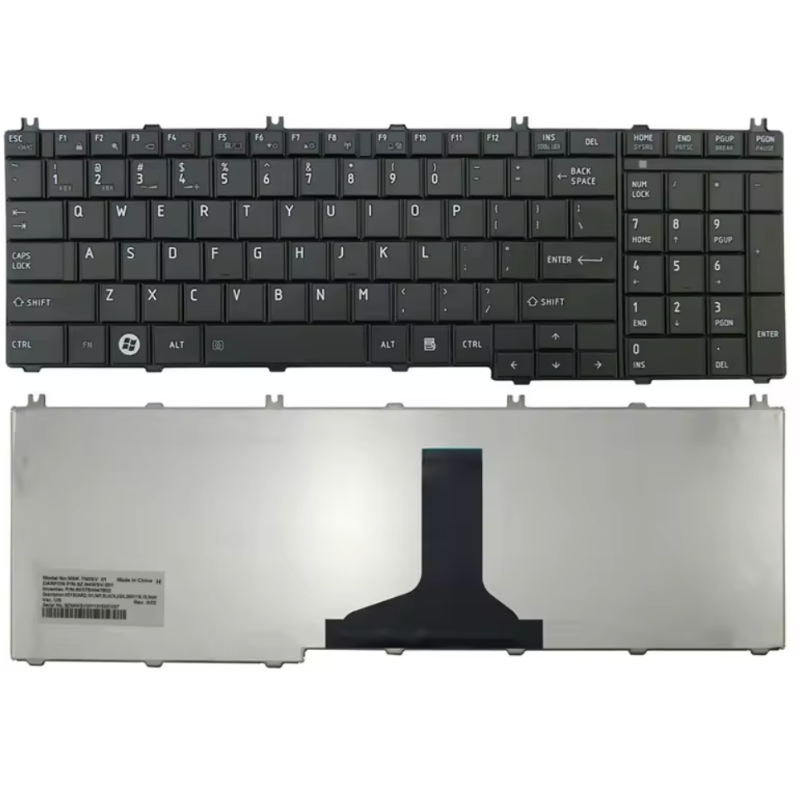
Keyboard Repair
Fixes missing, sticky, double-typing, or non-working keys on your Toshiba Satellite C40 keyboard,
including worn letters from homework, emails, and office work, or keys damaged by small spills
and regular daily use at home, in class, or on the go.
Repair Time: ~1 business day
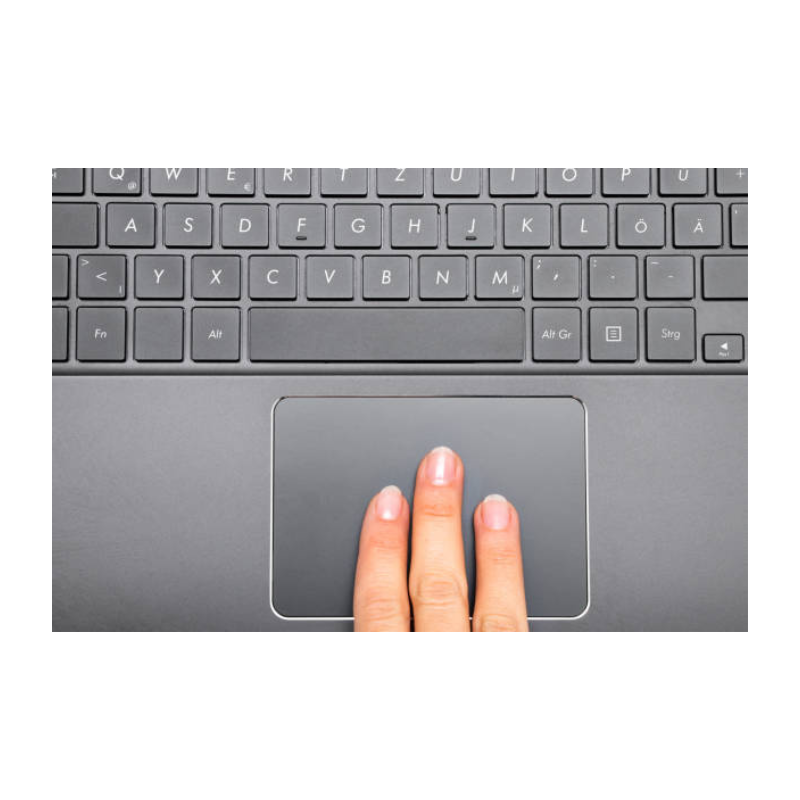
Touch Pad Repair
Repairs erratic cursor movement, dead zones, jumping pointer, gesture issues, or broken clicks
on the Satellite C40 touchpad when browsing, typing assignments, or working remotely—ideal
when you don’t want to carry an external mouse everywhere you go with your laptop.
Repair Time: ~1 business day
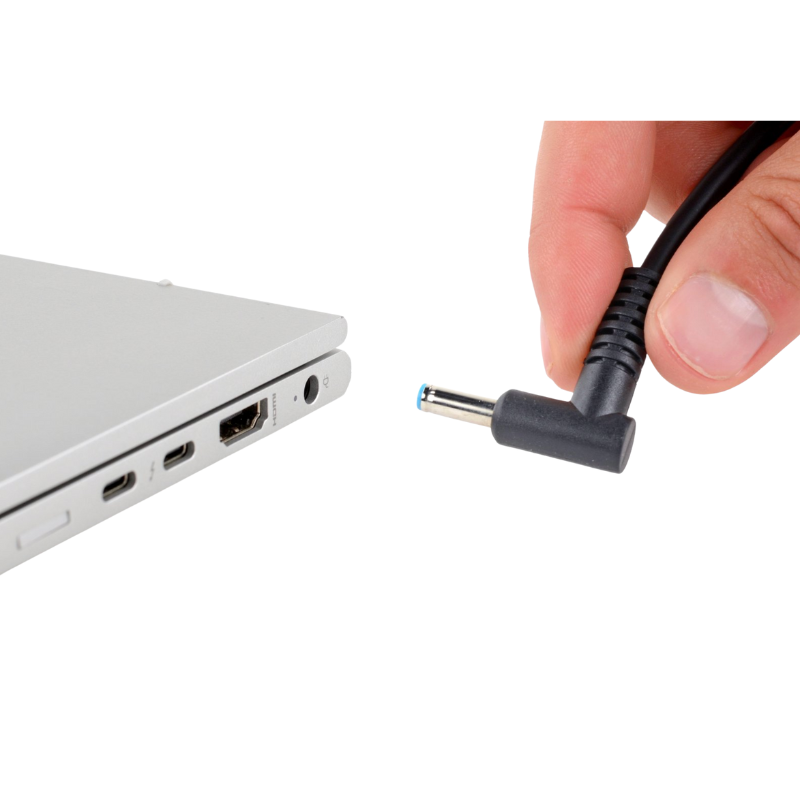
Charging Port Repair
Repair or replacement of loose, bent, or intermittent DC / charging ports causing
slow charging, no charging, or “plugged in, not charging” messages on your Toshiba Satellite C40—
common after years of use, cable strain, and using the laptop on the couch or bed while plugged in.
Repair Time: ~1 business day

Water Damage Repair
Professional cleaning and board-level diagnostics after liquid spills
(water, coffee, tea, soda, juice, etc.) inside your Toshiba Satellite C40 touch laptop—whether it
happened at home, in class, or at the office—to give your device the best chance of recovery and
help protect your homework, work files, and family photos when possible.
Repair Time: ~1 business day (after diagnosis)
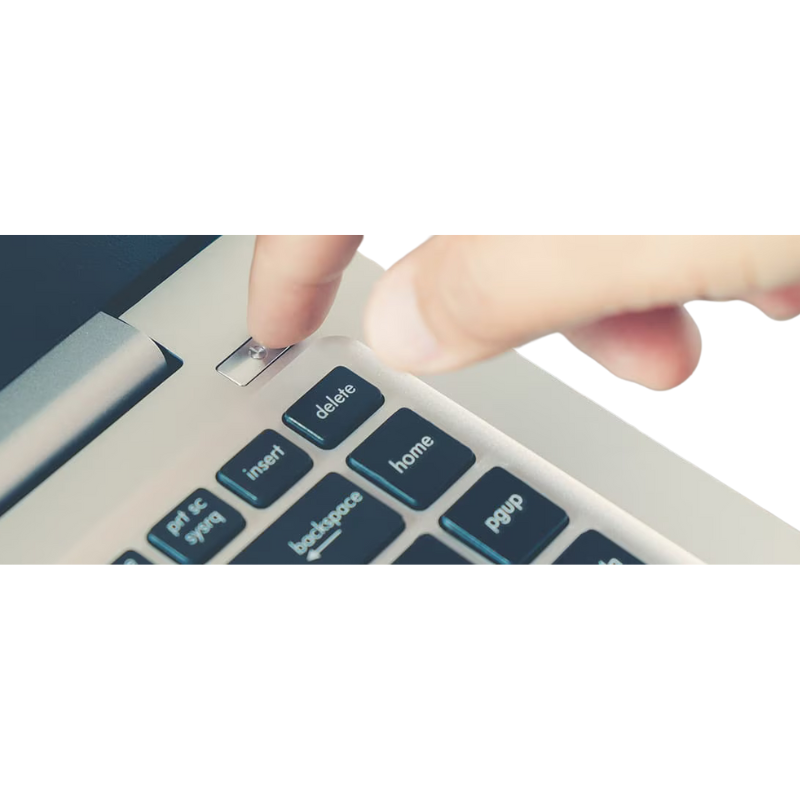
No Power Repair
Board-level troubleshooting for Toshiba Satellite C40 touch laptops that show no lights, no fan,
and do not power on at all after a drop, charger issue, power surge, or liquid incident—so you can
get back to school, work, and everyday home use as quickly as possible.
Repair Time: ~1 business day (after diagnosis)